City builder
Cities: Skylines vs NIMBY Rails vs Transport Fever
Cities: Skylines, NIMBY Rails and Transport Fever all let you connect places, but put you in charge of different things: the whole city, a real-world railway network or a transport company.
Compare the three games
| Game at a glance | Cities: Skylines ↗ | NIMBY Rails ↗ | Transport Fever 2 ↗ |
|---|---|---|---|
| Vehicles | Public transport of nearly every kind — buses, trams, metro, trains, monorail, ferries, cable cars, blimps and taxis, several of them through expansions — carrying citizens who genuinely need to get somewhere. | Rail in every form — tram, metro, commuter, regional and high-speed — and nothing else. No road vehicles, no ships, no aircraft. | Trains, trams, buses, trucks, ships and aircraft — over 200 vehicles in Transport Fever 2, plus a large Steam Workshop of mods. |
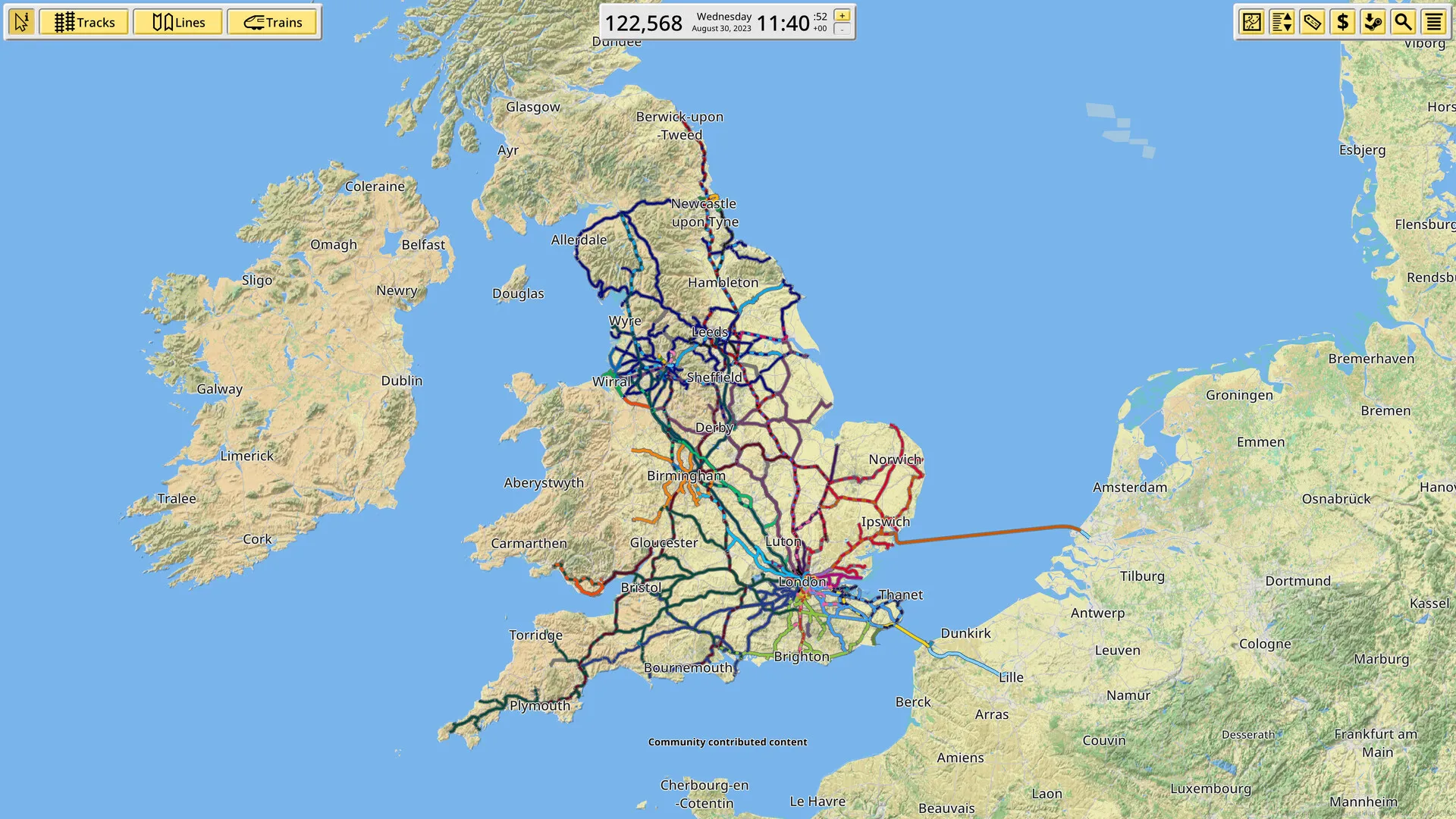
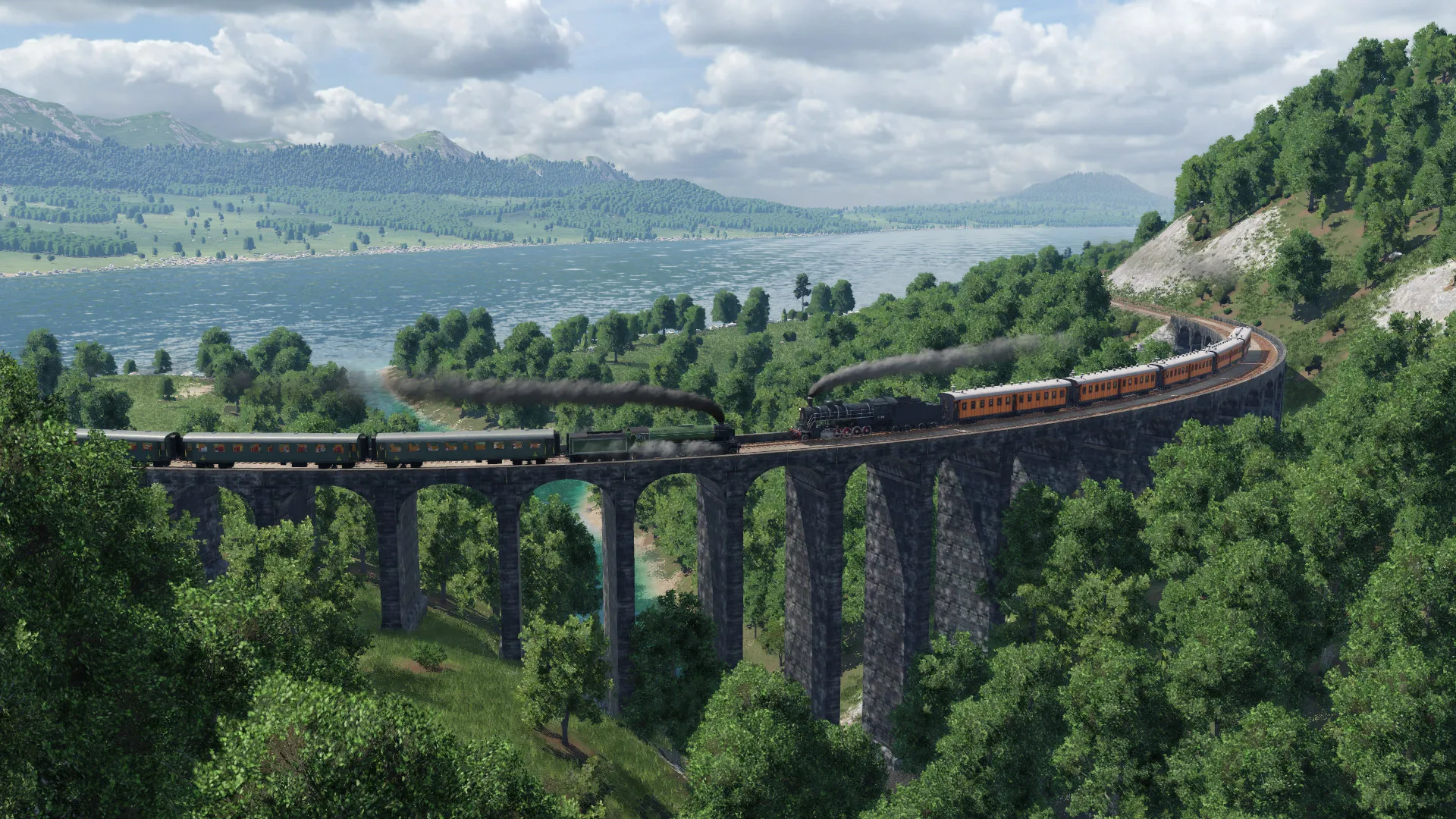
| Building | Roads are drawn freehand with straight, curve and freeform tools, and the terrain can be sculpted; the zoning that fills in beside them snaps to a cell grid. | Free-form track drawn over the real world at 1cm resolution, threaded around the roads, streets and terrain OpenStreetMap already says are there. You shape the alignment; you do not shape the land. | Free-form: curves you place yourself, full terrain modification, and modular stations, harbours and airports assembled from pieces. |
| Towns and cities | The entire game. You zone, the buildings arrive on their own, and every citizen is simulated individually — the city grows or stalls on your services, traffic and budget. | Real ones, every city on Earth, straight from map data. They do not grow and they do not react, because they are not simulated — they are the world as it is. | Simulated. Towns grow and re-zone into residential, commercial and industrial districts as your network makes them reachable. |
| Economy | Yes. Taxes, a service budget, loans and milestones, and a city that goes bankrupt if you get it wrong. | Yes, and unusually detailed: individual simulated passengers, demand that changes by hour and weekday, fares, ratings and running costs. | Yes — more than ten production chains with factories and goods, running costs per vehicle and line, a campaign across three continents and a free-play mode. |
| Price and platforms | Paid. The 2015 original runs on Windows, macOS and Linux and on PlayStation, Xbox and Switch. Cities: Skylines II (2023) is Windows only — its console versions are indefinitely delayed, and development passed from Colossal Order to Iceflake Studios at the start of 2026. Neither has a browser version. | Paid ($19.99) on Steam for Windows and Linux, in Early Access since January 2021. The developer has said there will be no macOS port. No mobile or browser version. | A paid download on Steam, GOG and Epic for Windows, macOS and Linux, plus a Console Edition for PlayStation and Xbox released in March 2023. Transport Fever 3 follows on 29 September 2026 on PC, Mac, Linux, PS5 and Xbox Series X|S. No mobile or browser version. |
This guide is published by the creators of Rail Island. We are not affiliated with the other games featured here. Details are based on official websites and store pages; features, prices and availability may change. Spotted a mistake? Let us know at info@railisland.com.
Which game should you choose?
Choose Cities: Skylines to shape the city as well as its public transport. Choose NIMBY Rails to plan passenger railways on a real-world map. Choose Transport Fever to connect growing towns with passenger services and freight in a 3D landscape.
Two games with almost the same name
Buying Cities: Skylines means choosing between two games. The 2015 original is the one with a decade of expansions, an enormous Steam Workshop and versions for Windows, macOS, Linux, PlayStation, Xbox and Switch. Cities: Skylines II arrived in October 2023 with a new simulation and much heavier hardware demands; it is Windows only, its PlayStation 5 and Xbox Series versions are indefinitely delayed over performance, and at the start of 2026 development passed from Colossal Order to Iceflake Studios.
That is not a recommendation either way — the sequel simulates more and looks better, the original runs on far more machines and has more content behind it. It is a decision to make deliberately rather than by clicking the newest thing on the store page.
Roads first, everything after
Every Cities: Skylines city starts with a road, because roads are what the game builds everything else against. The tools are freehand — straight, curved and freeform — and the ground can be raised, lowered and levelled under them, so a motorway interchange over a river valley is a thing you can shape rather than a thing you place.
Zoning is the opposite kind of tool. You paint residential, commercial, industrial or office over the cells beside a road, and the buildings arrive by themselves, sized to the depth of the plot and upgraded as the district gets richer. You never place a house. That split — freehand infrastructure, automatic buildings — is what makes the game a simulation rather than a diorama, and it is the single biggest thing to know before starting.
A city of individuals
The citizens are not a number. Each one is simulated as an individual with a home, a job or a school, a route between them and an opinion about how that route is going. Traffic is the result of all of them choosing at once, which is why a junction that looks reasonable on the map can seize up at eight in the morning, and why fixing it feels like fixing a real thing.
The same machinery drives everything else the city asks you for: water, power, rubbish, health, education, fire, police, death care. Get one of them wrong and the game tells you in the most direct way available — the buildings empty out.
The transport game inside the city builder
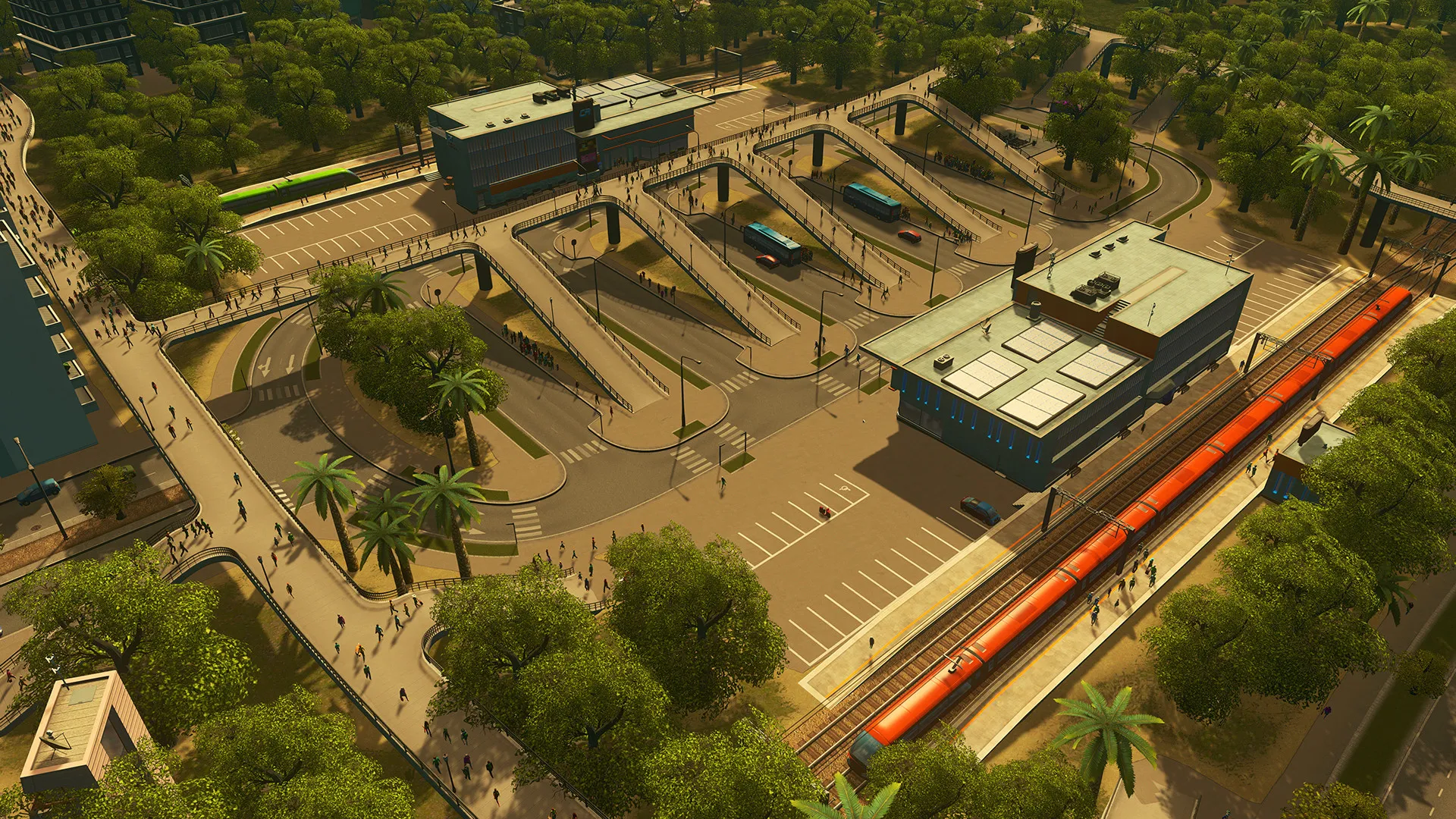
Public transport in Cities: Skylines is a network you design line by line: place the stops in order, the vehicles follow, and the passenger numbers tell you whether anybody wanted it. Buses, trams, metro, passenger and cargo trains, monorail, ferries, cable cars, blimps and taxis are all available, several of them through expansions rather than the base game.
Modes you can run
- Buses
- Trams
- Metro
- Trains
- Monorail
- Ferries
- Cable cars
- Blimps
The difference from a pure transport game is what the network is for. Nobody pays you by the tonne here: a line is worth building because it takes cars off a road, and the reward is a junction that flows and a district that grows. If you like being handed the problem rather than inventing it, that is a strong argument for this game over a sandbox.
Taxes, budgets and the bill
Money is a city budget rather than a business. You set tax rates per zone type, you set spending sliders per service, you take loans, and milestones unlock new buildings and more land as the population grows. A city that overspends goes bankrupt, and the usual way that happens is an expensive service network laid over a population too small to pay for it.
Mods, assets and content packs
The first game has one of the largest Steam Workshops of any simulation: buildings, vehicles, road types, tree brushes and the well-known quality-of-life mods that many players treat as part of the game. Paradox also sells a long list of expansions, radio stations and creator packs on top. The sequel uses Paradox Mods rather than the Workshop, and its library is younger by a decade.
What it costs and where it runs
Both games are paid, and both are regularly discounted. Cities: Skylines runs on Windows, macOS and Linux, and on PlayStation, Xbox and Switch — the console editions are cut down and have their own bundles. Cities: Skylines II is Windows only for now and wants a substantially more powerful machine. Neither runs in a browser or on a phone.
Who it is for
Cities: Skylines is for people who want the city to be the point: zoning, services, budgets and traffic, with transport as the tool that holds it together. If what you actually want is to build a railway and watch it work, you will spend a lot of this game doing other things first — but if you want your railway to matter to somebody, no other game on this list makes it matter as much.
Frequently asked questions
- Should I buy Cities: Skylines or Cities: Skylines II?
- It depends on your machine and on how much content you want. The 2015 original has a decade of expansions and an enormous Steam Workshop and runs on modest hardware, Windows, macOS, Linux and consoles. Cities: Skylines II (2023) simulates more but is Windows only, needs a much stronger PC, has its console versions indefinitely delayed, and passed to a new developer, Iceflake Studios, at the start of 2026.
- Is Cities: Skylines a good train game?
- It is a good passenger and freight railway inside a city simulation. You can run trains, metro, trams and monorail, design lines stop by stop and watch real demand fill them. What you cannot do is treat the railway as the whole game — the city and its zoning are what the simulation is actually about.
- Can I play Cities: Skylines on a phone or in a browser?
- No. Both games are desktop and console titles. There is no official browser build and no phone version of either.
- Do I need the expansions?
- No, the base game is complete on its own. Several transport modes — among them monorail, ferries, cable cars and blimps — arrive with expansions, so if a particular mode is the reason you are buying, check which pack carries it before you do.