Build your own railway empire on an island
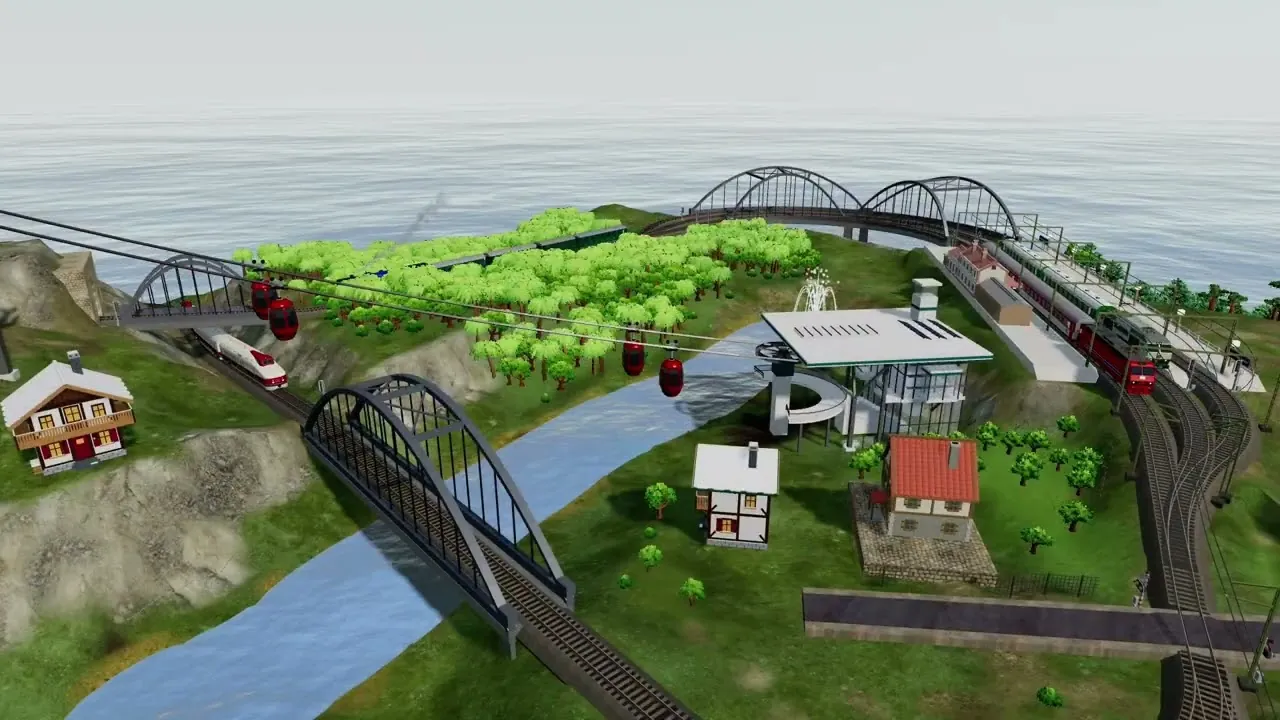
Shape the landscape, lay track and roads, bridge the rivers and tunnel through the hills — then run trains, buses, trams, ships, aircraft and cable cars across the island, and watch them go from a balloon moored above the rooftops. Rail Island is a relaxed transport-building game you can play for free.
Plays right in your browser on desktop and mobile — nothing to install.
How to play
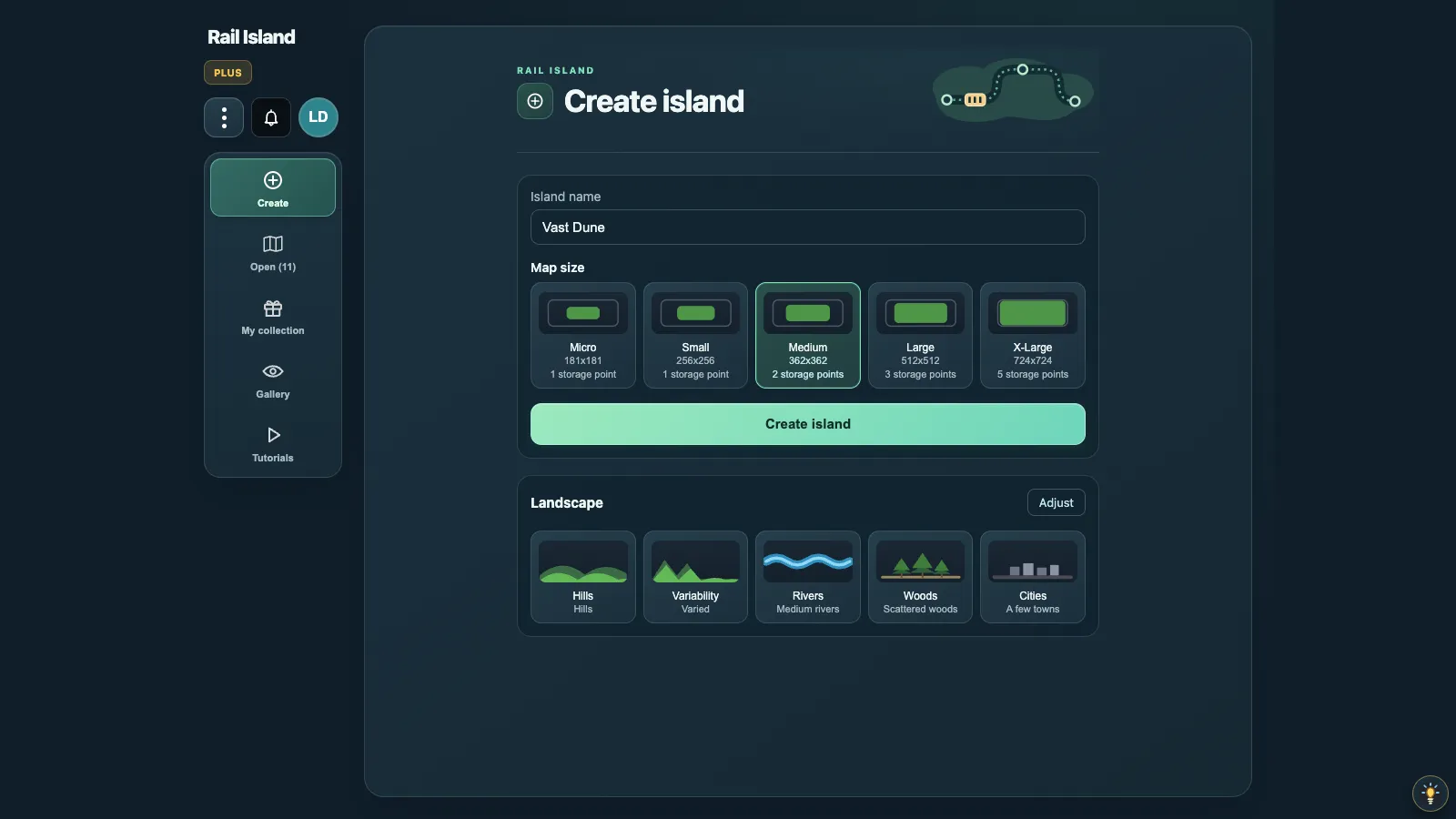
New island
Choose how the island starts
Set the basic shape of a new map: flatter or hillier terrain, fewer or more rivers, and the island size you want to build on.
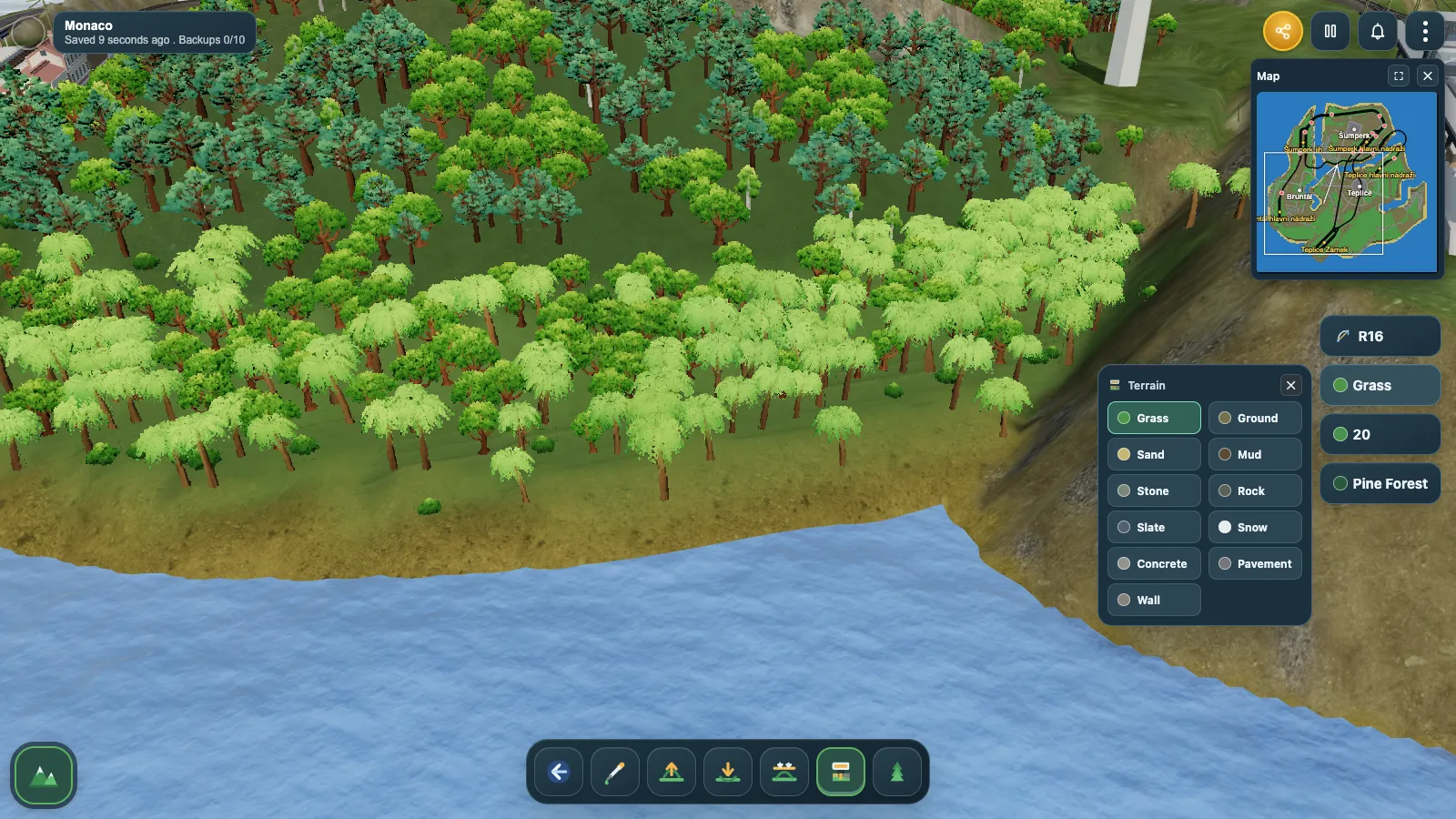
Terrain tools
Plan routes through the landscape
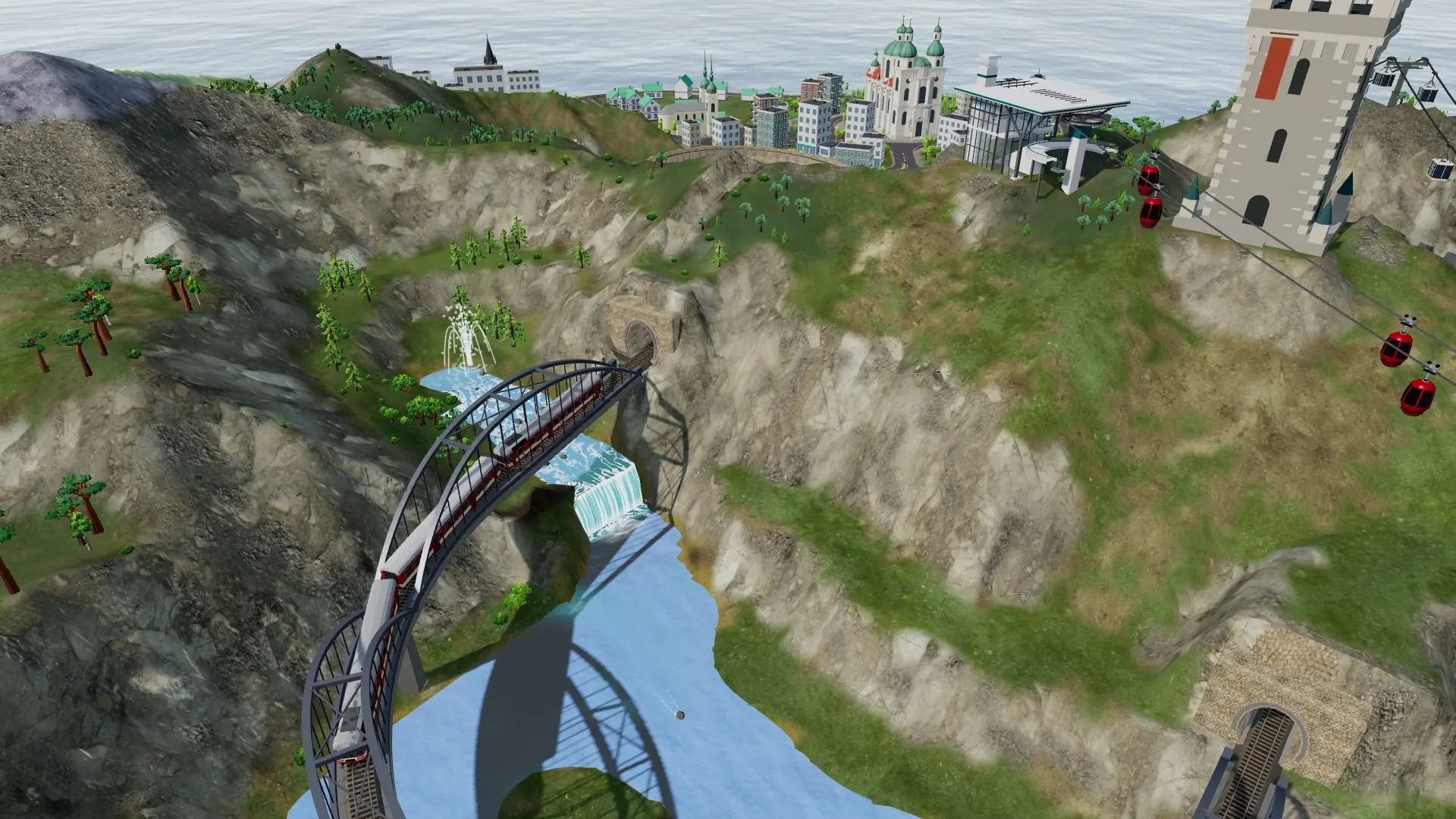
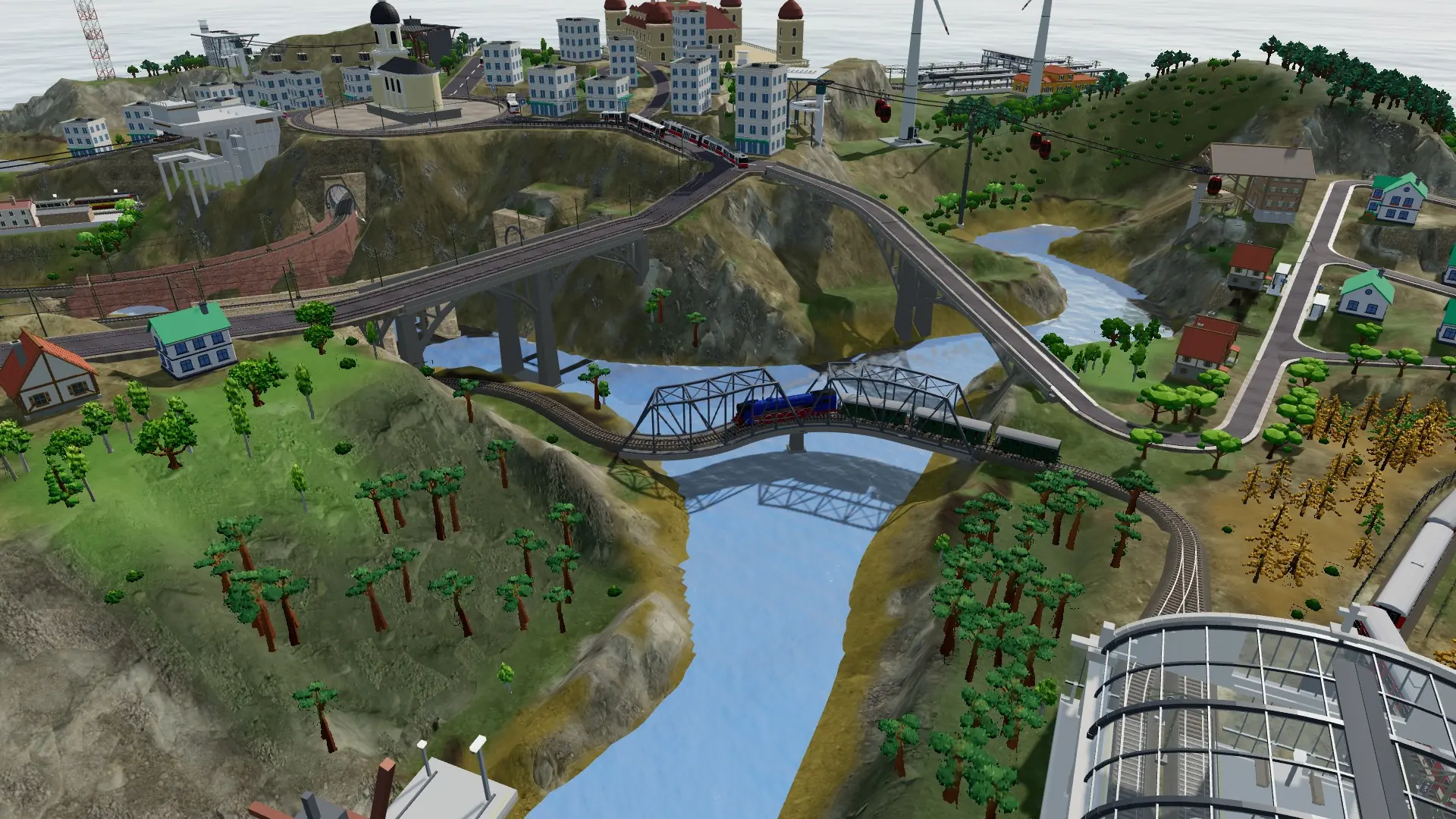
Islands are generated with natural-looking coastlines, rivers and broad valleys where your railway can wind through the terrain. When you lay track, the ground can adjust automatically with cuttings and embankments so the line keeps a reasonable grade.
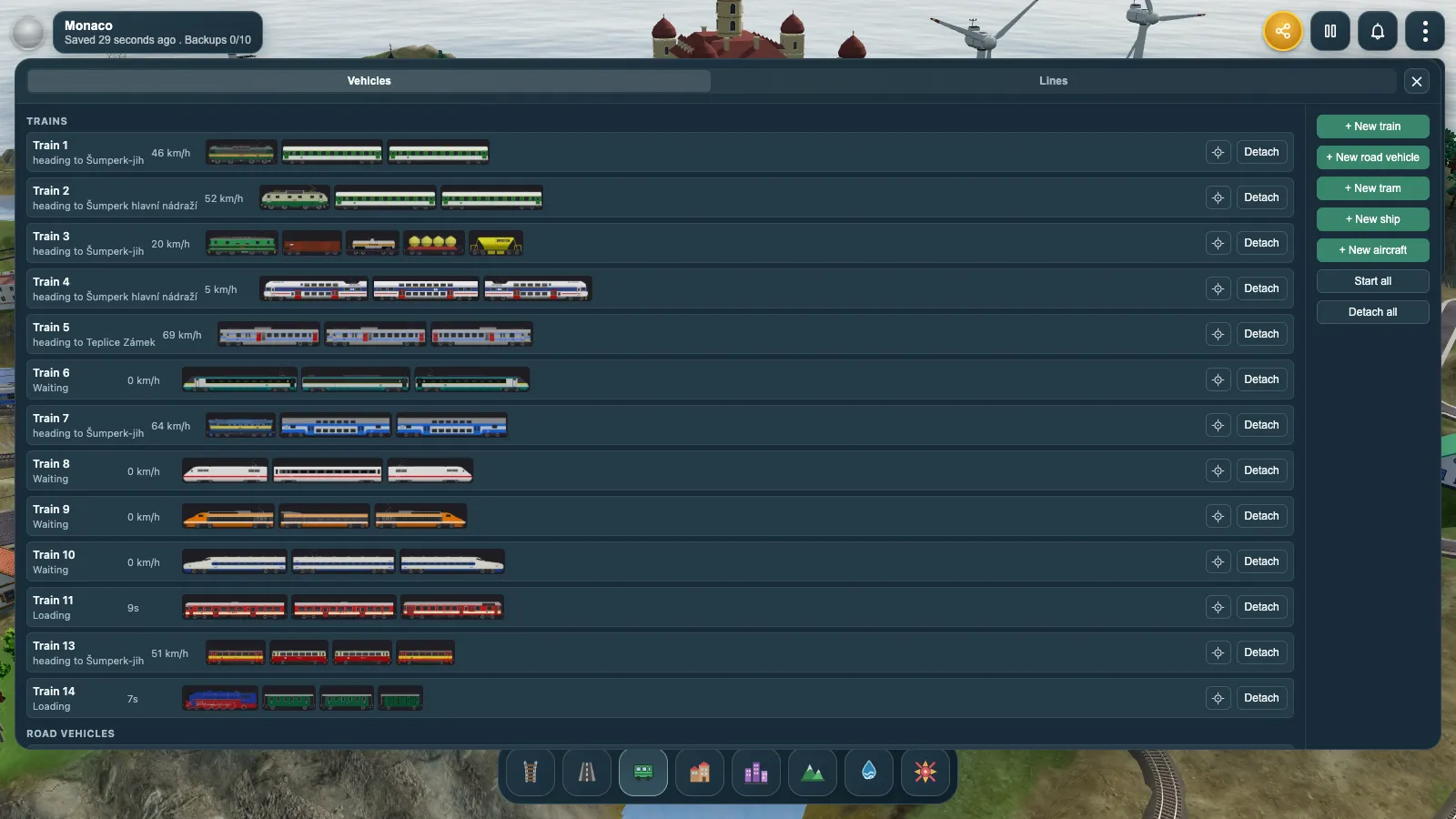
The fleet
Run more than trains
Nearly 350 vehicles, most of them railway and mostly Czech and European: steam, diesel and electric locomotives, multiple units, coaches and freight cars. Beside them run buses and trams on your streets, ferries and liners between your ports, aircraft in and out of your airports, and cable cars over the hills. Preview any vehicle in 3D before you add it.
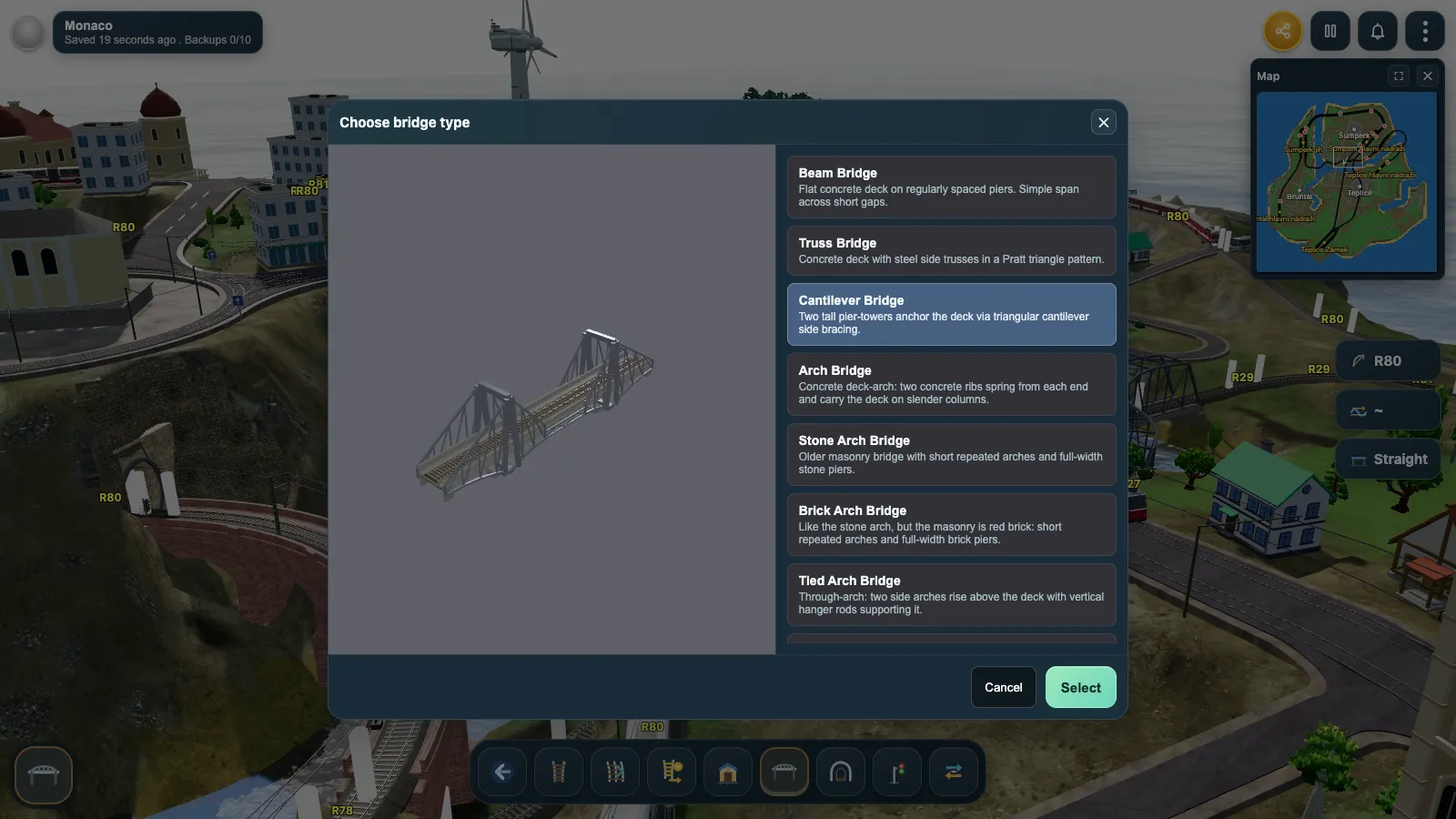
Bridges
Select a bridge type
Preview each bridge type in 3D, then choose one that fits the height above the terrain. You can build multi-track bridges too, for both straight and curved track.
- Beam
- Truss
- Cantilever
- Arch
- Stone arch
- Brick arch
- Tied arch
- Suspension
- Cable-stayed
Interactive tutorials
Watch a railway being built
Two short lessons that run inside the real game — no account, no download. Press play and the railway builds itself step by step, explaining every click along the way. Pause whenever you like and look around.
Guides
Learn the island, system by system
Longer reads on the parts of Rail Island worth knowing before you build: track, towns, forests, signals and the fleet that runs on them.
-
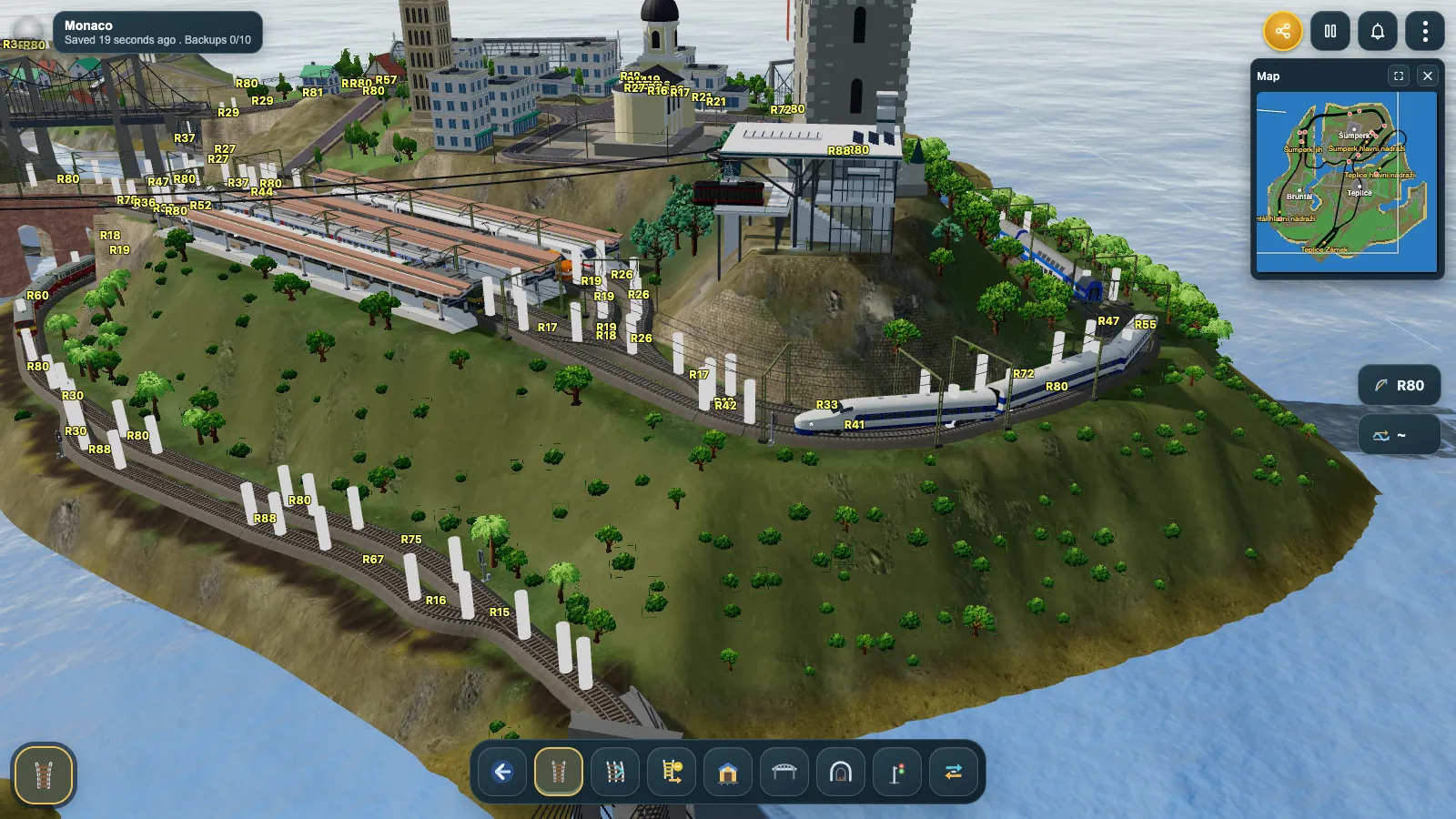
Building · 4 min read
Laying track: the rail building system
How track works in Rail Island — free-angle curves, snapping, grading, rail types, parallel lines, stations, bridges and tunnels.
Read the guide →
-
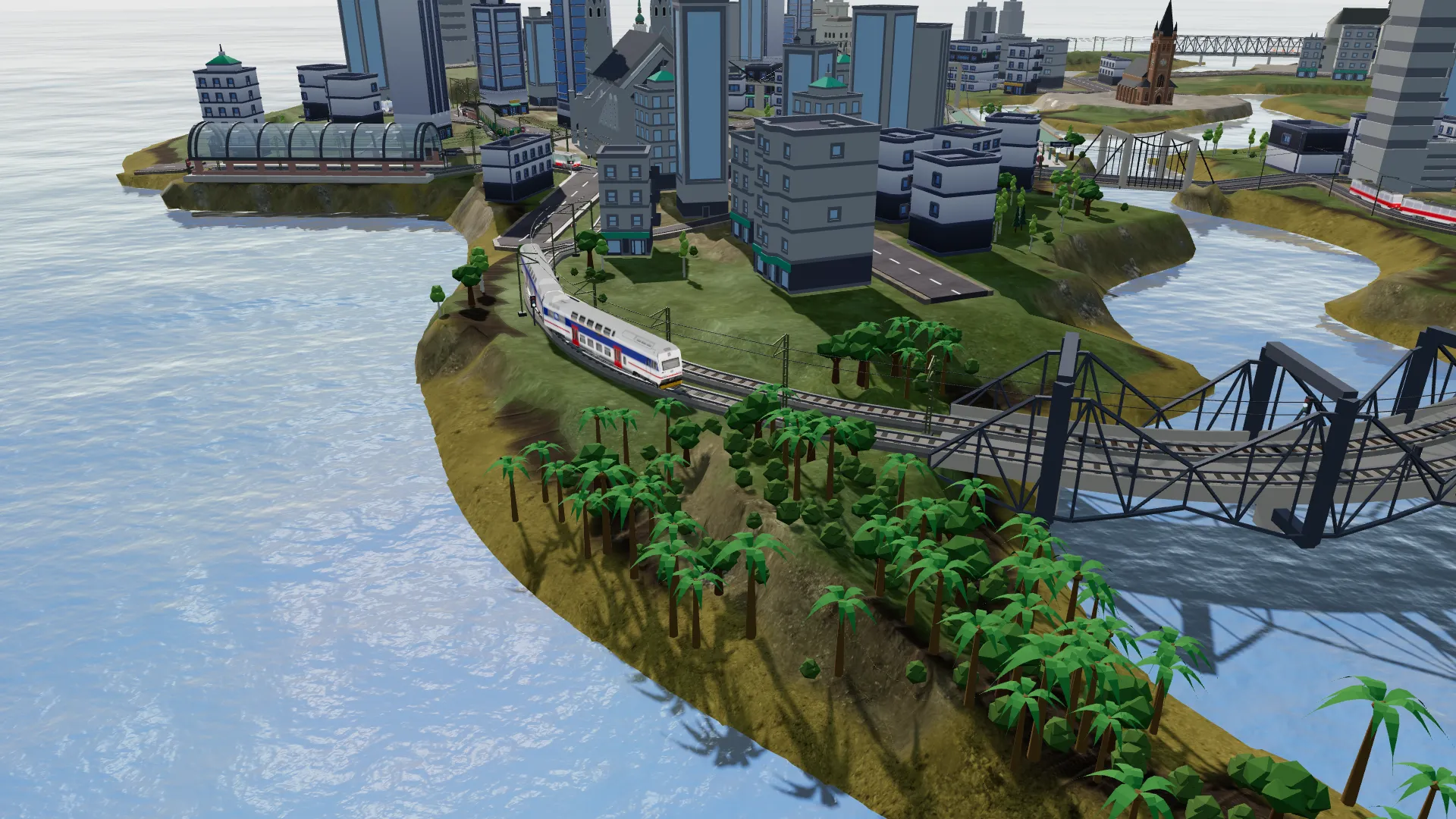
The island · 4 min read
Cities and buildings: giving your railway a reason
How buildings and procedural cities work in Rail Island — the building catalog, the City tool, watchtowers on a rooftop, streets and where a town will and will not grow.
Read the guide →
-
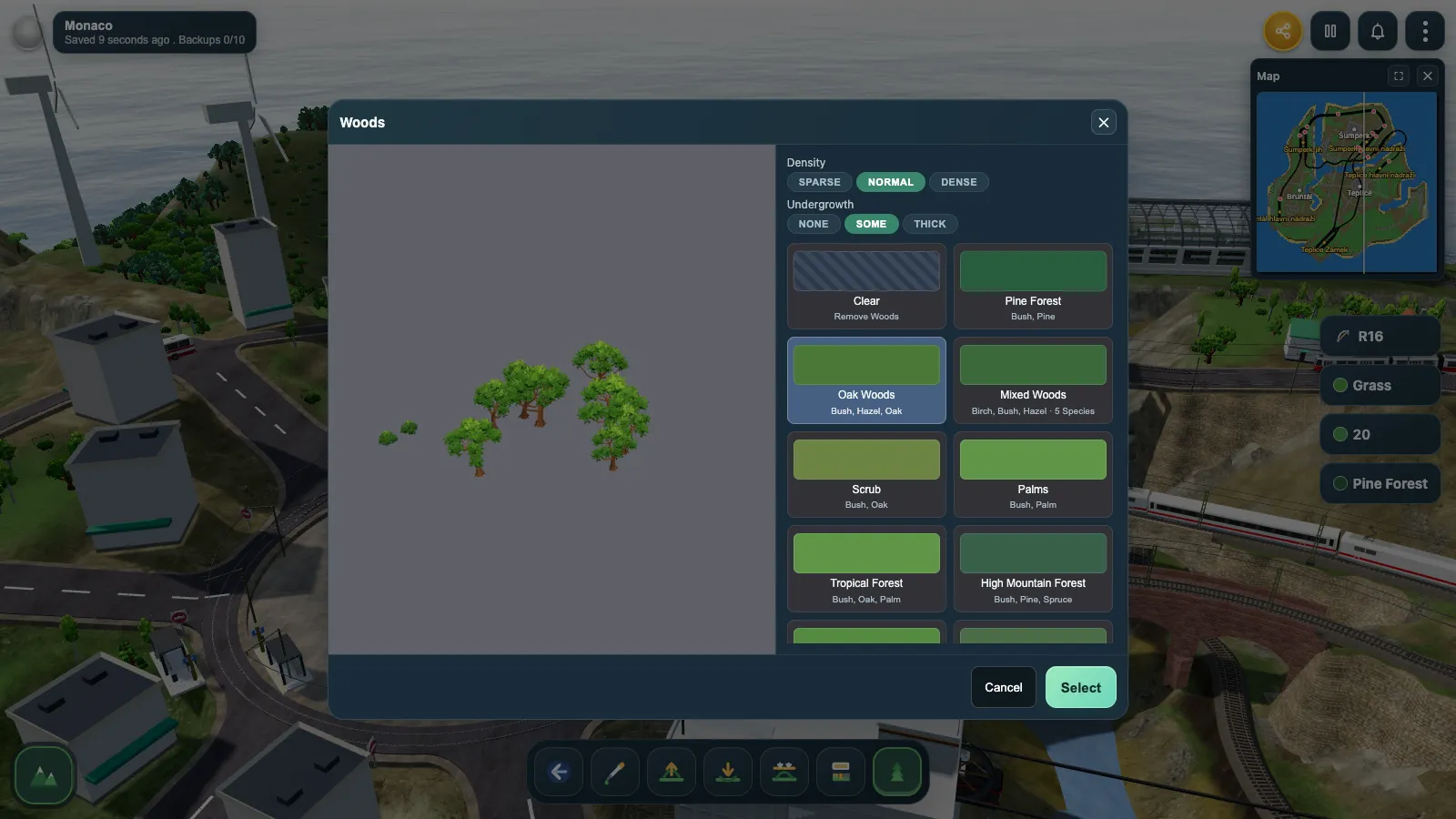
Landscape · 3 min read
Woods and vegetation: planting the island
How the vegetation layer works in Rail Island — built-in woods types, the nine tree species, and the vegetation brush.
Read the guide →
-
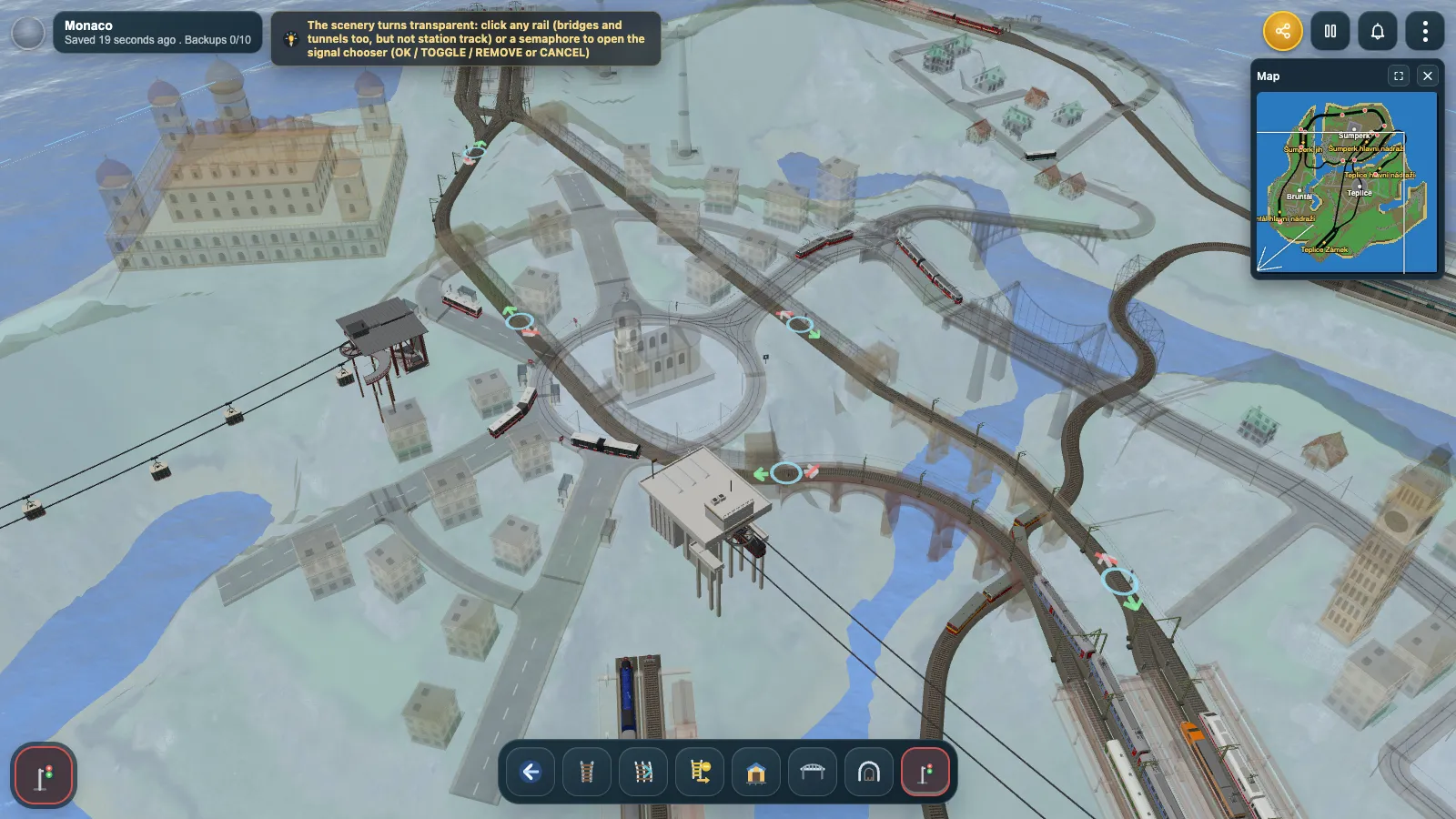
Operations · 4 min read
Signals: running more than one train
How signalling works in Rail Island — placing semaphores, path reservations, signal colours, station signals, one-way gates and level crossings.
Read the guide →
-
Fleet · 5 min read
The fleet: trains, buses, trams, ships and cable cars
How vehicles work in Rail Island — the catalog, building a consist, stop lists, dispatching a train, and the buses, trams, ships and cable cars that run beside it.
Read the guide →
From the first player islands
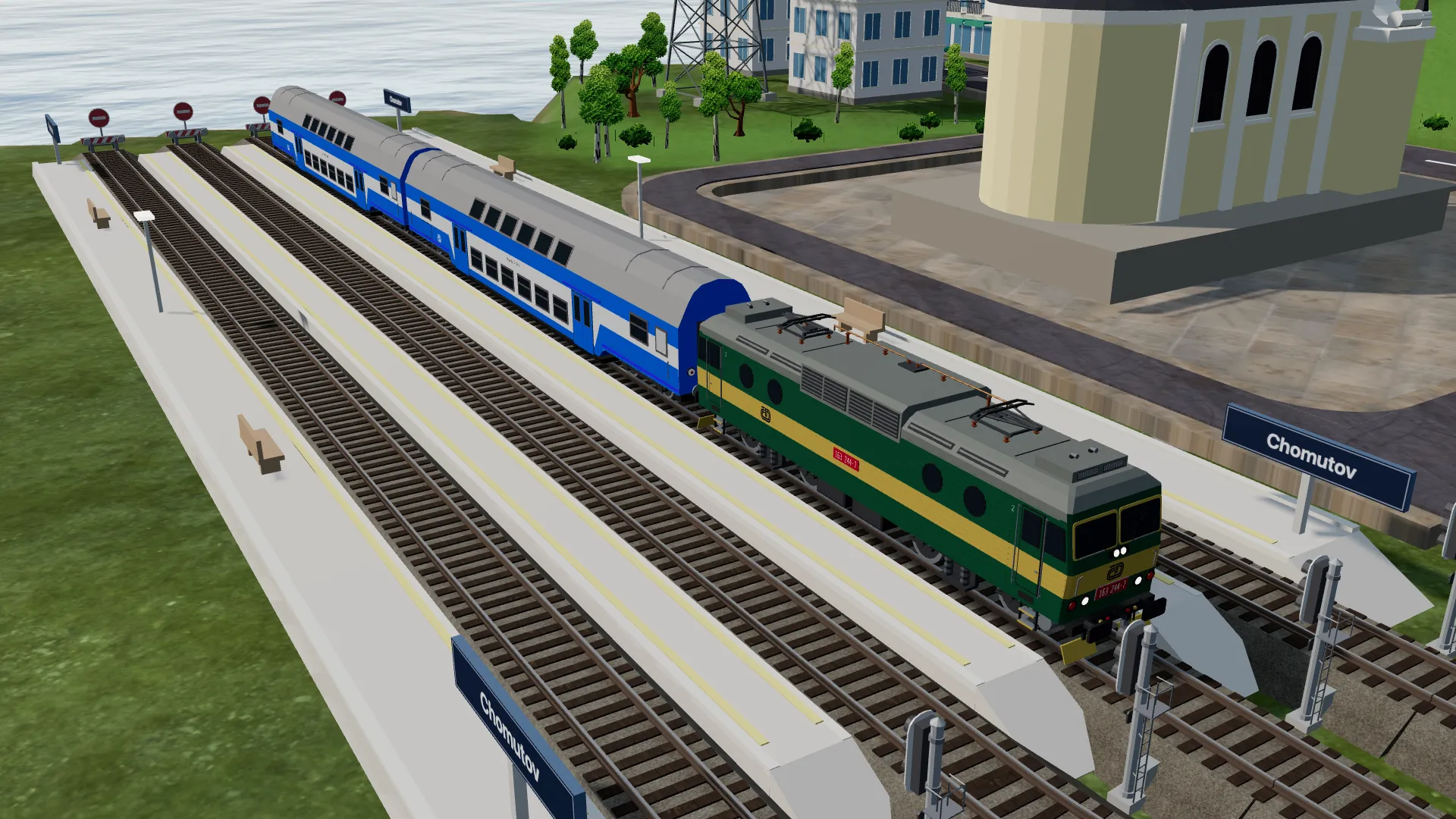
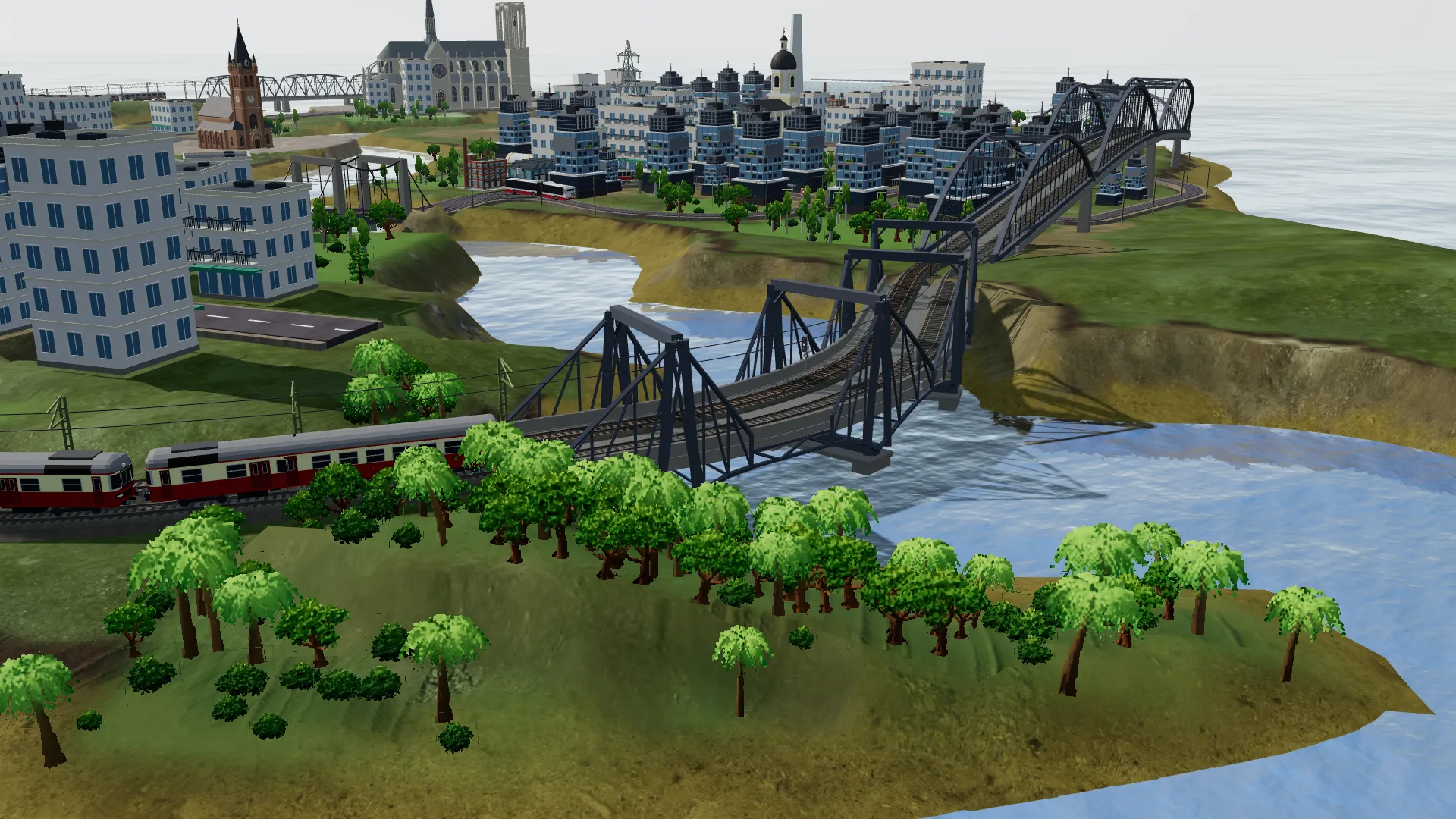
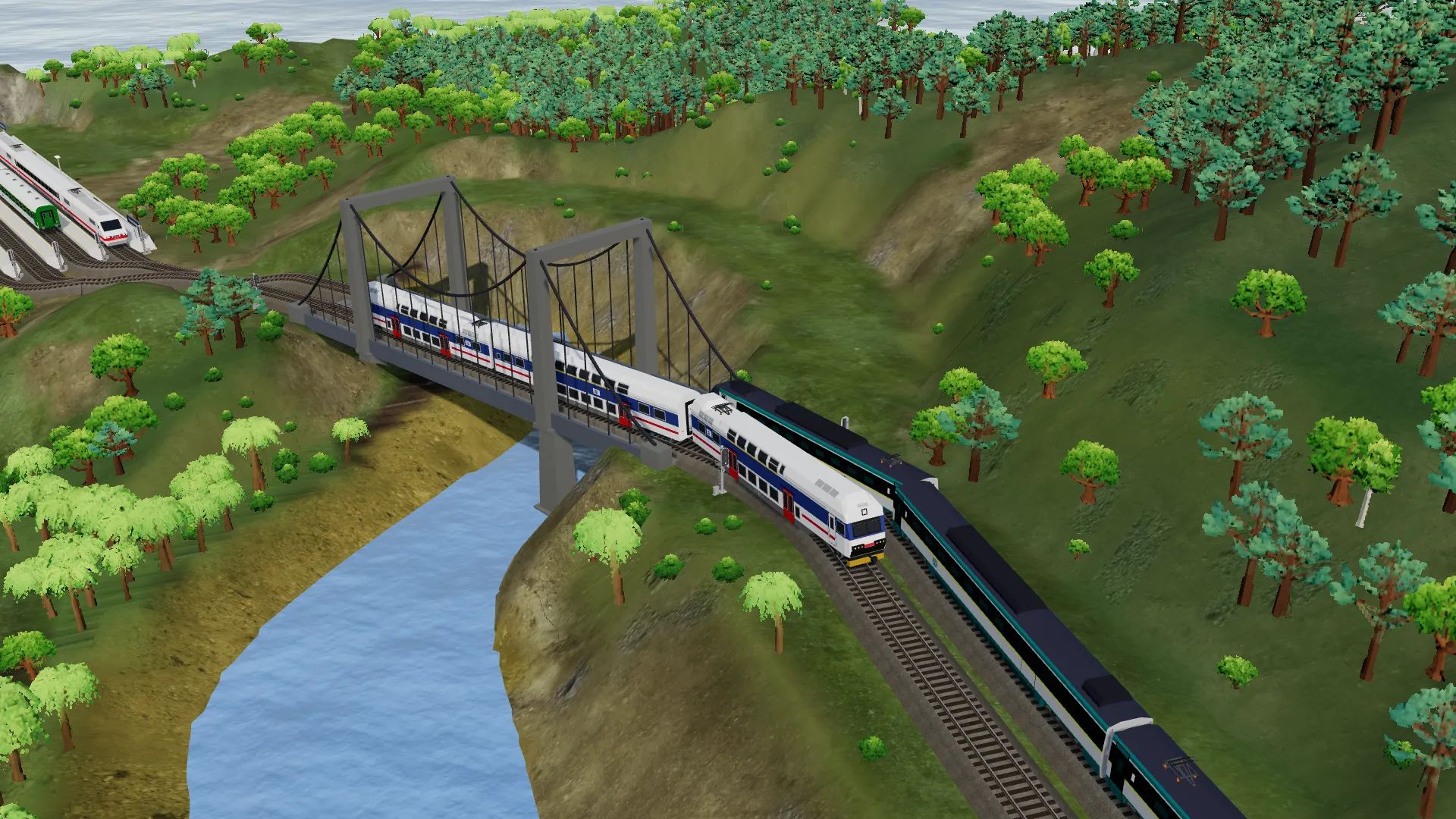
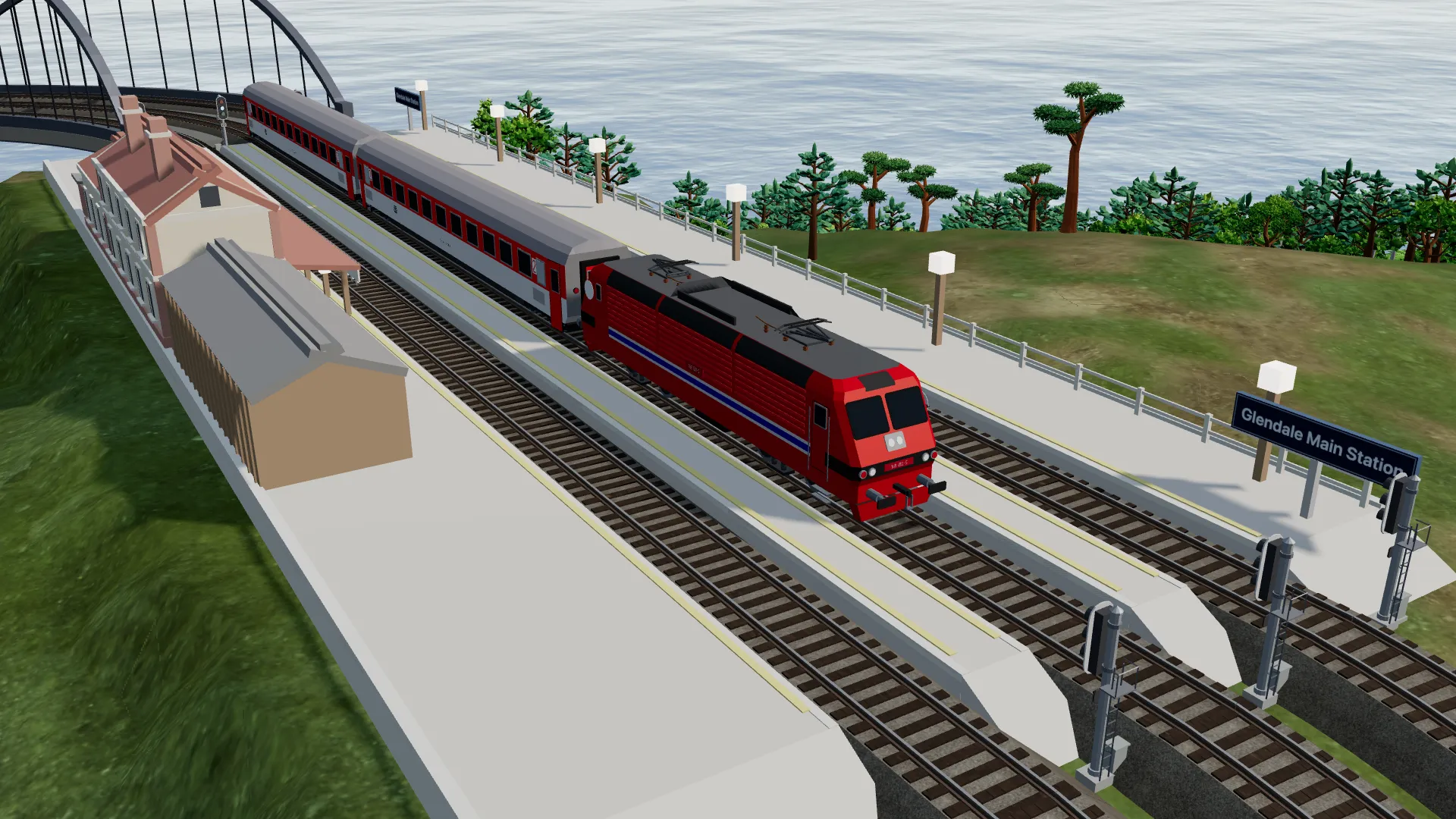
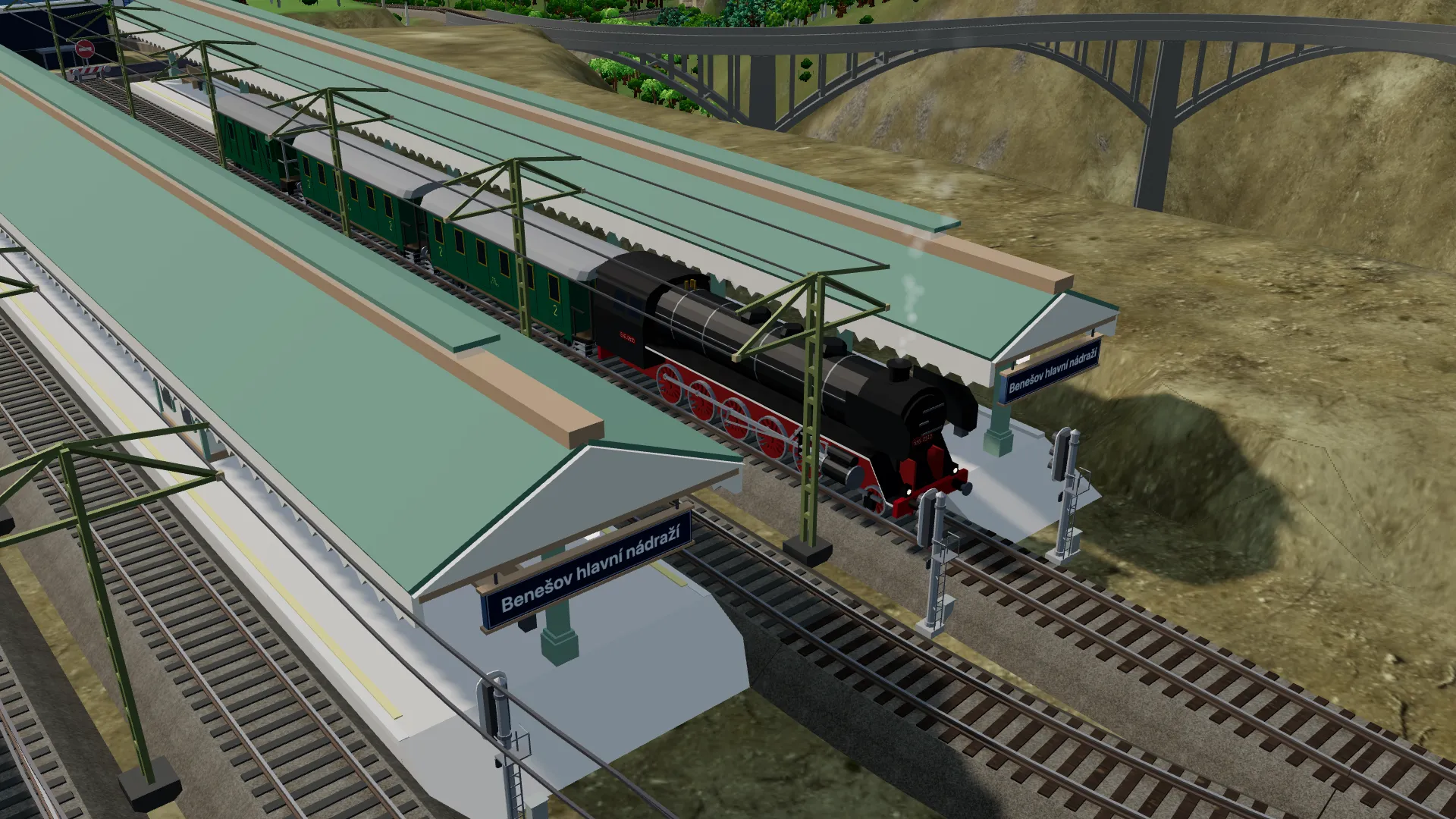
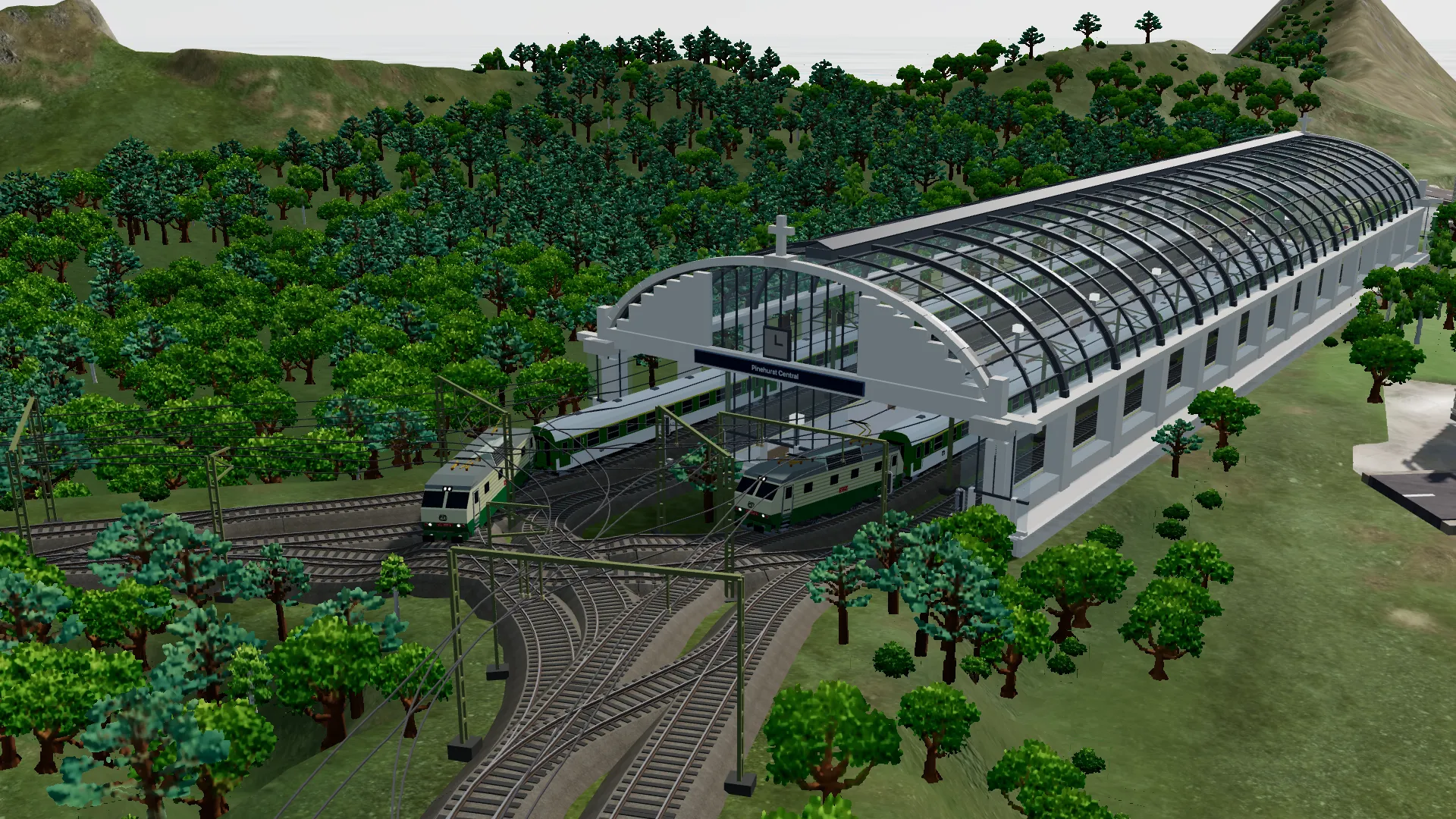
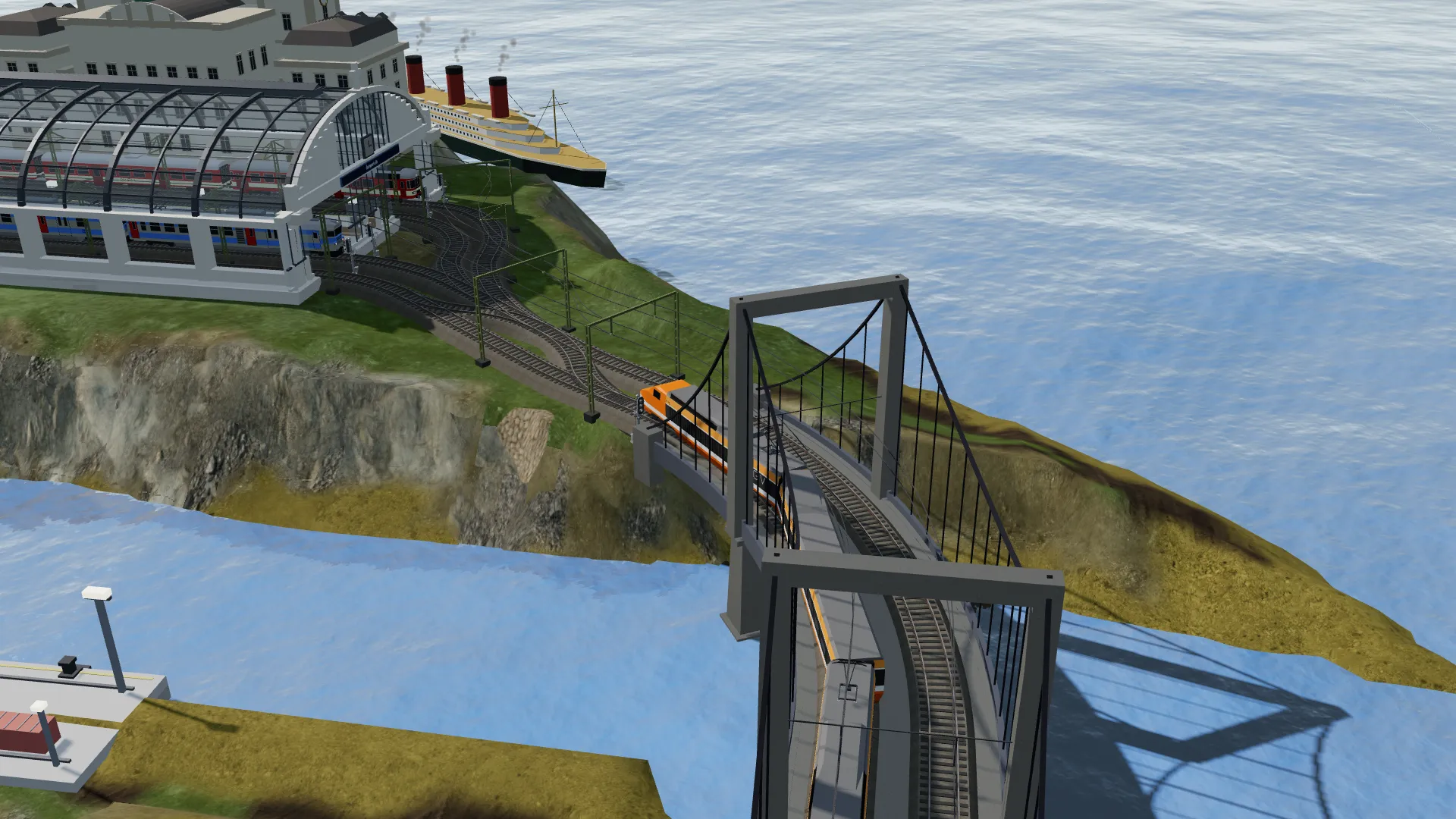
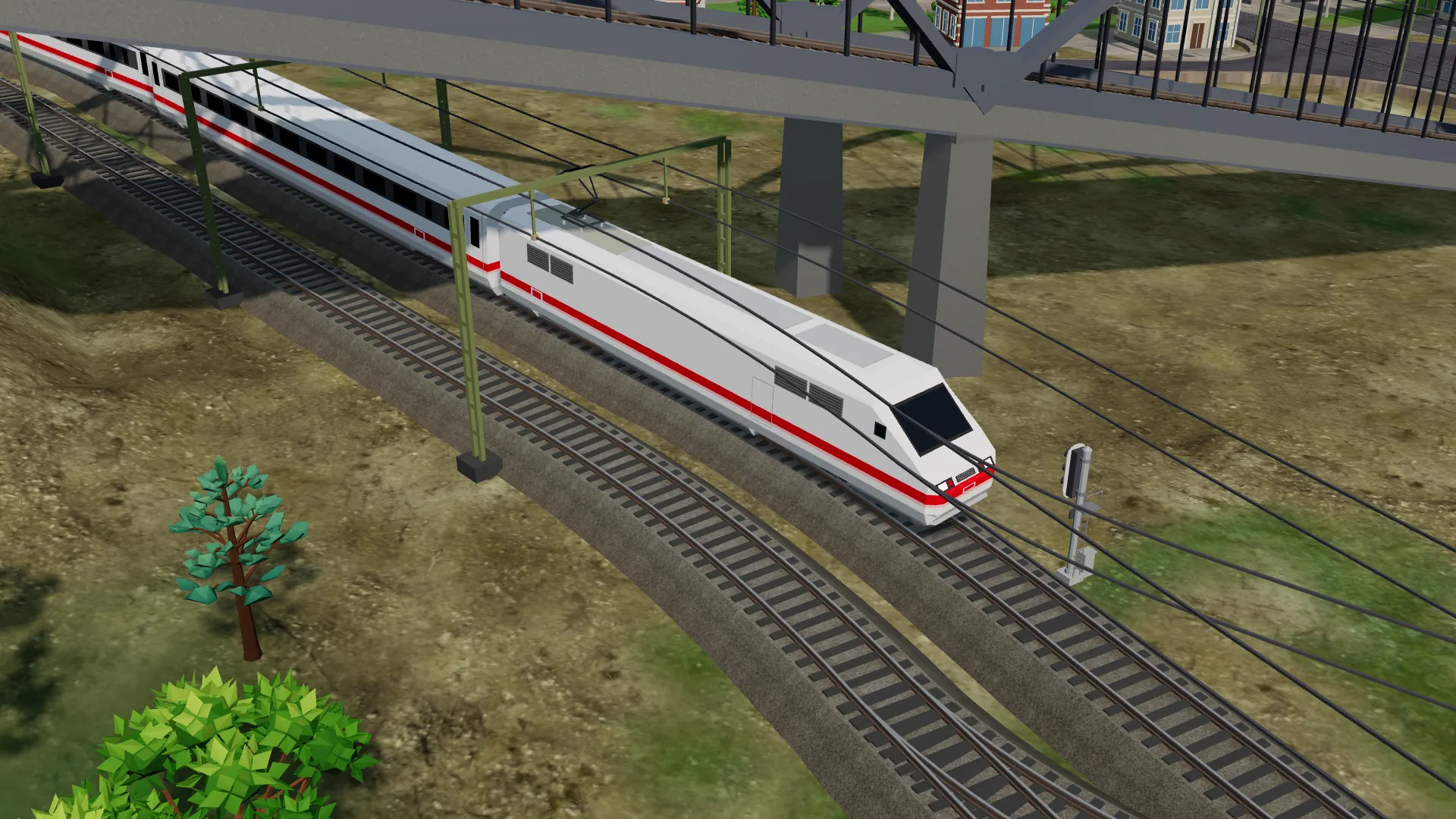
Rail Island is still new, so these screenshots come from some of the first players exploring what they can build.
Rail Island Factory
Missing a model? Build it yourself
Every vehicle and building in Rail Island is generated from code in the Rail Island Factory — an open repository on GitHub. You do not have to be a programmer to add to it: describe the model to Claude Code, let it write the code, and send it back to us.
Models made of code
A locomotive, a bus or a church in the factory is a short program, not a 3D file. That keeps every model light, sharp in the game and easy to change.
Described in plain words
Fork the factory, open it in Claude Code on the web and say what you want — a tram from your city, a station you know. Claude Code writes the model and checks it.
Into the game for everyone
Send your model as a pull request. Once it is reviewed and merged, it ships in a future release of Rail Island, for every player.
PLUS · Every accepted model earns its author three months of Rail Island PLUS — and every model you add to your collection in that time stays yours for good.
Not up for building it yourself? Ask for the model in our Facebook group. Join the Facebook group ↗
For OpenTTD players
Take the vehicles to OpenTTD
Every train, tram, bus, ship and aircraft in the Rail Island Factory can leave as an OpenTTD NewGRF. Pick the models, press Export, and drop the GRF into your newgrf folder.
No NML, no sprite drawing
The factory renders each vehicle from its 3D model in your browser: eight directions, 32bpp, at normal, 2x and 4x zoom.
Real figures
Weight, power and top speed come from the model. Long vehicles become articulated, at true proportions.
Over a hundred vehicles
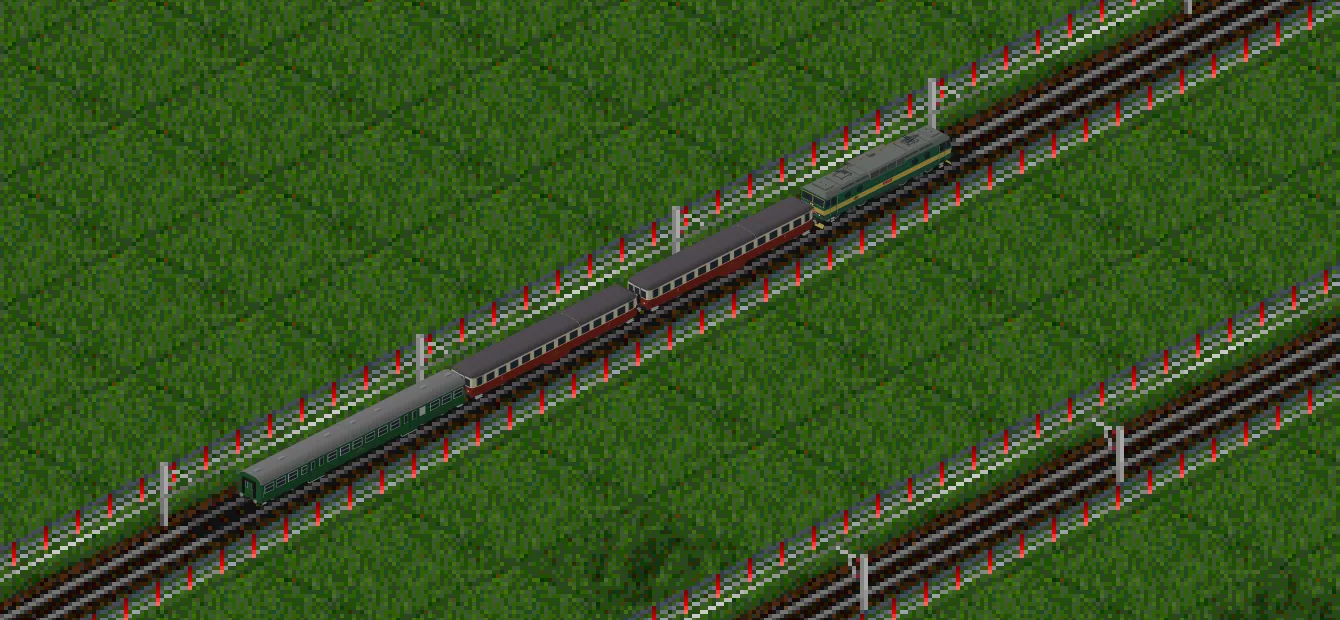
Czech locomotives and coaches, TGV and ICE sets, trams, articulated buses, ferries and airliners, in all their liveries.
Free to play, with an optional subscription
Every build tool is free. When you want more room to grow, Rail Island PLUS lifts the limits of the free edition — $3 a month, cancel any time.
Rail Island FREE
The full game, free forever.
Free forever
- All build tools: terrain, track and roads, tram lines, stations, ports, airports, cable cars and watchtowers.
- 10 storage points — room for several islands at once.
- 3 bridge types: beam, truss and suspension, and 3 station types.
- Up to 20 distinct model types per island, and up to 3 lines.
Rail Island PLUS
More room to build, cancel any time.
$3 per month
- 50 storage points instead of 10 — room for many more islands.
- All 9 bridge types instead of 3.
- All 8 station types instead of 3.
- 100 model types instead of 20, and as many lines as you like.
- Ride along with any vehicle camera — Cinematic included.
Prices are in US dollars. Paddle sells the subscription as merchant of record and shows the final price in your own currency, including any tax, before you confirm. Cancel any time.
Start building on your island
Choose a map, lay your first tracks, and send a train along them. Rail Island is free to play.
Trains, buses, trams, ships, aircraft and cable cars — every one of them buildable today.
Play instantly in your browser on desktop and mobile — no download.