The island · 4 min read
Cities and buildings: giving your railway a reason
A railway with nothing at either end is a model, not a network. Rail Island lets you place buildings one at a time, or grow whole towns with street grids, plazas and a church on the square — and then connect them.
The catalog
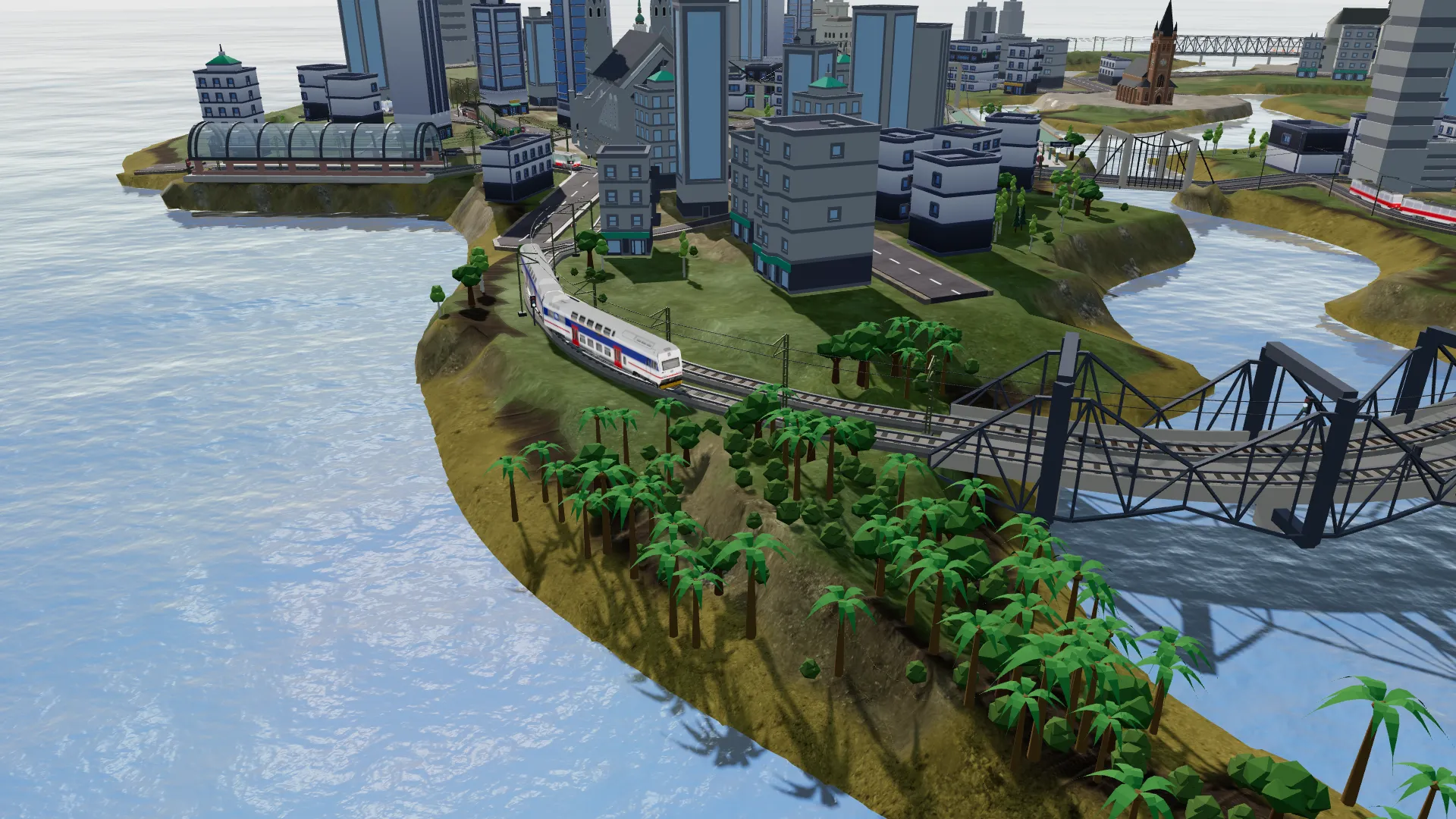
The building catalog holds well over a hundred models, split into six categories you switch between as tabs in the picker:
- Village — suburban houses, cottages and classic red-roofed village homes.
- Commercial — shops, offices and the low street-front blocks a town centre is made of.
- Industry — chimneys, tanks, factories, a power plant, an oil pump and a wind turbine whose rotor actually turns.
- Historical — castles, a fortress, a cathedral, a church, a colosseum, a palace and a pagoda.
- Towers — landmarks and tall structures, including the Eiffel Tower, Big Ben, transmission masts and medieval bell towers.
- Station — a building that reads as a station hall, for the ones you want to compose yourself.
Placing a building
Selecting the Buildings tool opens the picker straight away. Pick a model and it appears as a preview in the middle of the view; on a desktop it follows the cursor. The first click pins it — and pinning is when the interesting part happens, because the game immediately grades the pad under the footprint and fells any trees standing on it. You see the finished ground before you commit to it.
Watchtowers: a view from the rooftops
Beside the Buildings and City tools sits the Watchtower, and it is the one thing you place on another building rather than on the ground. Click any roof and a balloon is moored above it, swaying gently in the wind; from then on that spot is a fixed viewpoint you can look out from — turn, and zoom the way a real lookout does, by narrowing what you see. Before you commit, Preview drops you into the view the tower would have, so a bad vantage point never has to be built to be judged.
Each tower is named after the town it stands in, renameable like a station, and listed under the minimap. Open one from that list, or open four at once: the screen splits into tiles, each turning independently, so a terminus, a harbour and a bridge can be watched side by side while the traffic runs.
Growing a city
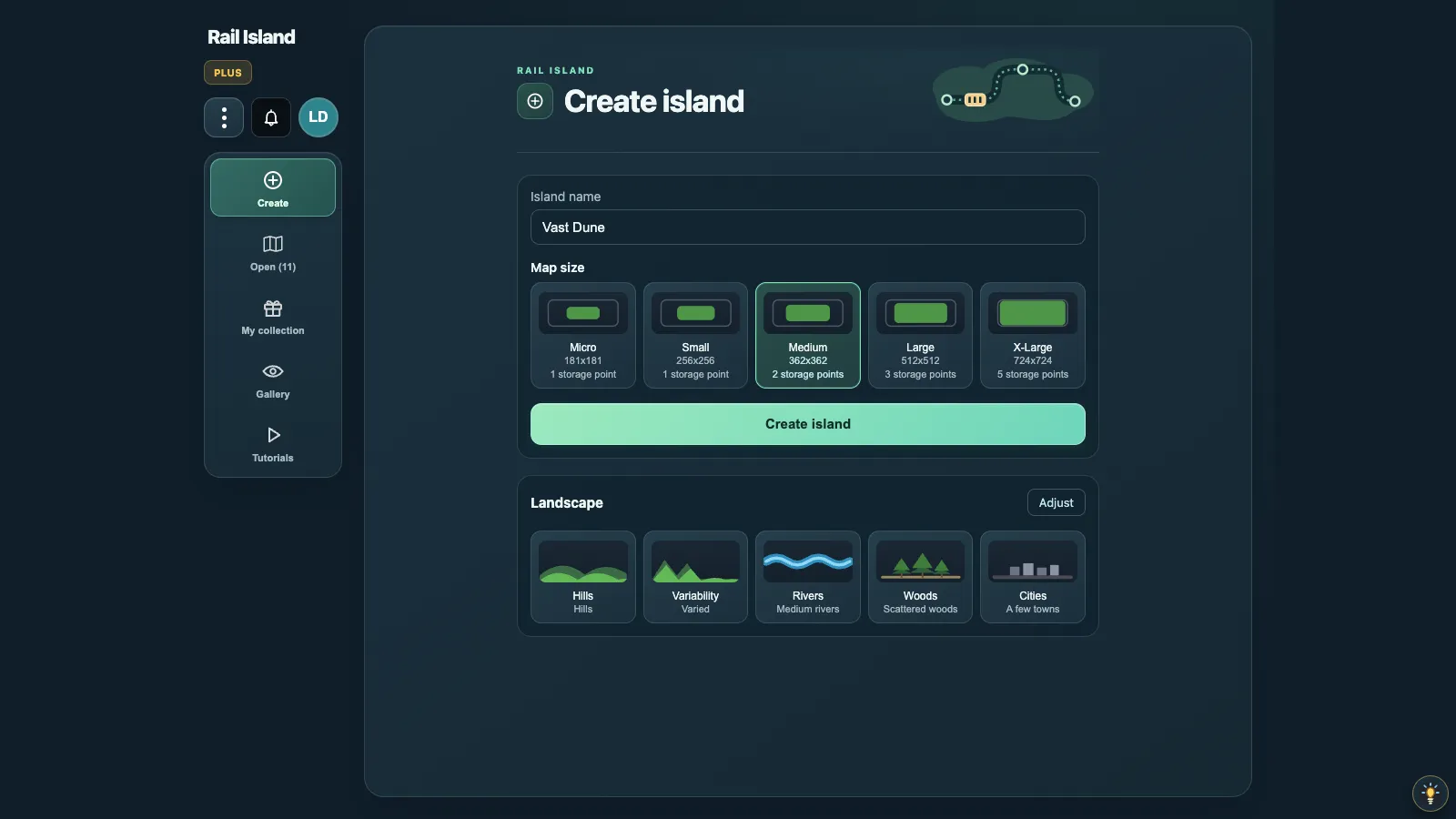
Cities can arrive two ways. The create-island screen has a Cities selector, from none through a few hamlets to a heavily built island, and the generator seeds them across the map before you ever touch a tool. Or you pick the City tool, choose a size — village, town or city — and click a spot.

The city board: how a town is put together
Every town has a board of its own. With no tool selected, click its name label, or the building on its main square, and a window opens with a plan of the town: its streets, its blocks and the buildings in them, with the railway lines, stations and bus stops nearby drawn faintly around it. Colour the blocks by type, colour scheme or height, and point at a block, or tap it, to see what it holds. Beside the plan sit the town’s size, style and origin, its parts, and counts of its blocks and buildings. The board only reads: nothing on it changes the town.

Where a city will and will not grow
The generator is terrain-aware and occupancy-aware, which is a polite way of saying it will refuse a bad site. It looks for dry, gentle land a couple of cells clear of water, and it scores candidate patches on how much of them is actually buildable against how uneven they are. Water and steep patches inside a site are fine — the planner simply skips those spots — but a site with too little usable ground is rejected outright.
Connecting it up
City streets are ordinary roads, built by the same engine as the Road tool, which means everything else works on them immediately. You can extend them, join your own roads to them, and place bus stops along them. Where a road meets a railway you get a real level crossing: the track is dressed rails-only across the deck, a signal mast with red lamps stands on each approach, and buses hold back while a train is coming.