Transport simulation
Transport Fever vs Railway Empire vs OpenTTD
Transport Fever, Railway Empire and OpenTTD all turn connections into income. Compare a modern multimodal transport simulation, a railway-focused historical strategy game and a classic tile-based tycoon.
Compare the three games
| Game at a glance | Transport Fever 2 ↗ | Railway Empire (1 / 2) ↗ | OpenTTD ↗ |
|---|---|---|---|
| Vehicles | Trains, trams, buses, trucks, ships and aircraft — over 200 vehicles in Transport Fever 2, plus a large Steam Workshop of mods. | Trains, and only trains — the company is a railroad. Railway Empire 2 carries sixty historically modelled locomotives, from 1830s steam onward, and you paint and name each one. | Trains, road vehicles, ships and aircraft, hauling passengers and cargo between towns and industries. |
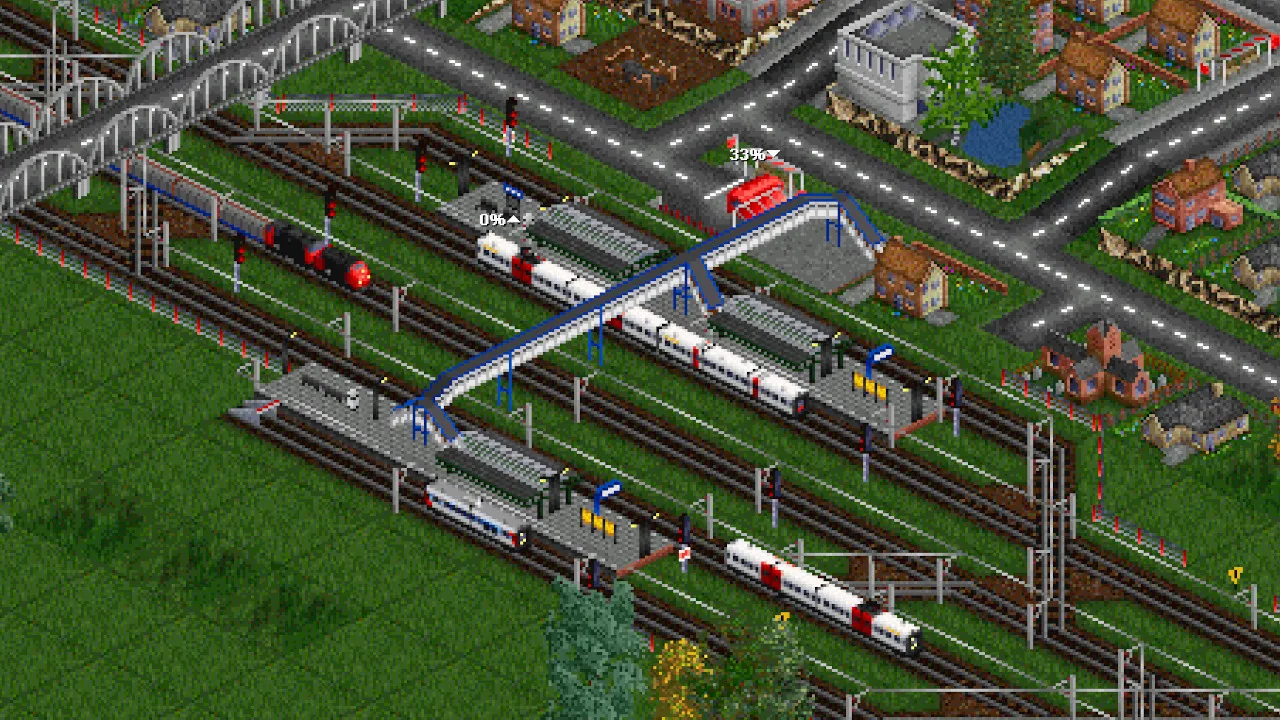
| Building | Free-form: curves you place yourself, full terrain modification, and modular stations, harbours and airports assembled from pieces. | Free-form track dragged across a fixed landscape — there is no terrain sculpting. Signals are placed for you, bridges and tunnels carry up to four tracks, and a station grows to as many as eight platforms. | A tile grid. Track runs along square tiles in 45° steps and terraforming raises and lowers tile corners — the look is unmistakable, and entirely deliberate. |
| Towns and cities | Simulated. Towns grow and re-zone into residential, commercial and industrial districts as your network makes them reachable. | Real places, not tiles you zone: 269 cities across the two continent maps, each demanding its own goods and growing as your trains serve it. You never found a town. | Simulated. Towns grow when the service they get is good, stall when it is not, and you can fund roads and buildings to push them along. |
| Economy | Yes — more than ten production chains with factories and goods, running costs per vehicle and line, a campaign across three continents and a free-play mode. | A business, not a budget. Freight and passenger revenue, bonds you can only issue three of, warehouses and industries to buy, and a share market where taking 100% of a rival absorbs it — and losing your own stock ends the run. | The whole game. Cargo pays by how much, how fast and how perishable; there are loans, a running balance, company value, AI competitors and multiplayer for up to fifteen companies. |
| Price and platforms | A paid download on Steam, GOG and Epic for Windows, macOS and Linux, plus a Console Edition for PlayStation and Xbox released in March 2023. Transport Fever 3 follows on 29 September 2026 on PC, Mac, Linux, PS5 and Xbox Series X|S. No mobile or browser version. | Railway Empire 2 is $49.99 on Steam for Windows, and sold for PlayStation 4 and 5, Xbox One and Series X|S — where it is also on Game Pass — and Nintendo Switch. No macOS or Linux build, and nothing on mobile or in a browser. | A free download for Windows, macOS and Linux from openttd.org. Since March 2026 its Steam and GOG listings are bundled with a paid copy of Transport Tycoon Deluxe for new players, though the download from the project stays free. No official mobile or browser build. |
This guide is published by the creators of Rail Island. We are not affiliated with the other games featured here. Details are based on official websites and store pages; features, prices and availability may change. Spotted a mistake? Let us know at info@railisland.com.
Which game should you choose?
Choose Transport Fever for free-form 3D building and transport by land, sea and air. Choose Railway Empire for historical railway campaigns and expansion. Choose OpenTTD for classic tile-based transport management, extensive add-ons and a free download from the project's website.
What Transport Fever is
Transport Fever 2 (Urban Games, December 2019) is a transport simulation played across a century and a half of technology. You start with horse-drawn wagons and early steam and end with high-speed rail and jets, building the network that moves a region's people and goods the whole way through. It is the direct successor to Train Fever and Transport Fever, and much the largest of the three.
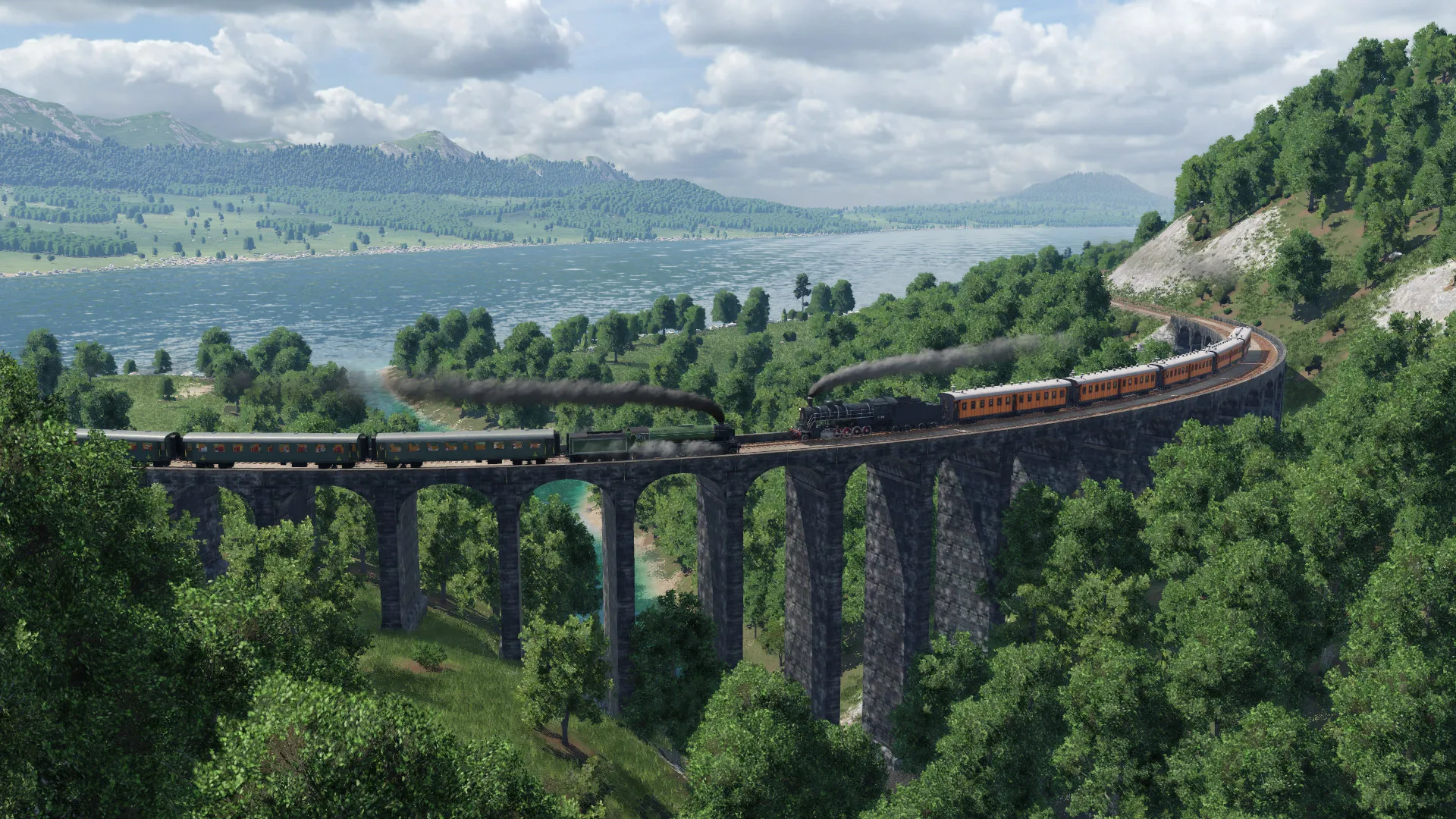
The pitch is that it looks and feels like a modern game. The vehicles are modelled in detail, the landscapes are attractive, the interface is clean — none of which is true of most of the genre, and all of which matters if you plan to look at your network rather than at a spreadsheet.
Free-form building
There is no grid. You decide where the track goes, the curve follows your hand, and the landscape is reshaped to carry it — full terraforming, with cuttings, embankments, bridges and tunnels as ordinary tools rather than special cases. Threading a double-track main line along a valley is the thing the game is best at, and it is why people who build here find other transport games constraining afterwards.
Stations, harbours and airports are modular: you assemble them from platforms and buildings to the size and shape you want, rather than picking a preset. A large terminus in Transport Fever 2 is something you designed.
Production chains
The economy is a supply chain rather than a haulage rate. More than ten production chains run across the map — raw materials to processed goods to the towns that consume them — and an industry only produces if what it needs arrives and what it makes leaves. Get a whole chain connected and every stage of it scales up together.
Against that sit running costs: every vehicle and every line costs money whether it is busy or not, and ageing stock costs more. The recurring decision is which chain to serve next and whether the line that serves it will pay for itself — which is a different question from OpenTTD's, where the cargo rate is the thing you optimise.
Cities that grow
Towns are alive. Connect them well and they spread, re-zone into residential, commercial and industrial districts, and demand more of everything; leave them unserved and they stagnate. Over a long game a well-run network visibly redraws the map, which is the reward the game is built around.
Over two hundred vehicles
Transport Fever 2 ships more than 200 vehicles — European, American and Asian, across trains, trams, buses, trucks, ships and aircraft — spanning the whole period the game covers. Every one has a purchase price, a running cost, a capacity and a lifespan, so replacing an ageing fleet is a real part of a long save.
Modes you can run
- Trains
- Trams
- Buses
- Trucks
- Ships
- Aircraft
The campaign, and free play
There is a campaign across three continents — a long sequence of scenarios with objectives and voiced framing that doubles as the tutorial — and a free-play mode on generated or hand-built maps for everything after that. The campaign is unusually good for this genre, and it is the reason Transport Fever is an easier first transport game than most.
The Steam Workshop
The Workshop is deep: vehicles for practically any railway anybody cares about, station and building sets, gameplay tweaks and total conversions, with years of work behind them. If the base catalogue does not have your locomotive, somebody has probably made it.
Transport Fever 3
Transport Fever 3, from Urban Games and published by Paradox, releases on 29 September 2026 for PC, Mac and Linux alongside PlayStation 5 and Xbox Series X|S. That is worth knowing before paying full price for the older game — though Transport Fever 2 is heavily modded, frequently discounted and complete, so it is not a bad buy either way.
What it costs and where it runs
Transport Fever 2 is bought once and installed: Steam, GOG or Epic on Windows, macOS and Linux, with a Console Edition on PlayStation and Xbox since March 2023. It wants a real graphics card — this is the most demanding game on this list apart from Cities: Skylines II. Nothing runs on a phone or in a browser.
Who it is for
Transport Fever is for people who want the whole package and are happy to pay for it: freehand building, a real production economy, cities that respond, a campaign to learn on, and a game that looks good doing it. It asks for a capable PC and a full price, and in return it is the most polished transport simulation on this list.
Frequently asked questions
- Should I wait for Transport Fever 3?
- Transport Fever 3 releases on 29 September 2026 for PC, Mac, Linux, PlayStation 5 and Xbox Series X|S, so if you are about to pay full price for Transport Fever 2 it is worth knowing. Transport Fever 2 is finished, heavily modded and often discounted, which makes it a reasonable buy regardless.
- Is Transport Fever 2 on console?
- Yes. A Console Edition for PlayStation and Xbox arrived in March 2023, alongside the Windows, macOS and Linux versions on Steam, GOG and Epic.
- Does Transport Fever have a grid?
- No. Building is free-form: you place the curve where you want it and the terrain is modified to carry it, with cuttings, embankments, bridges and tunnels as everyday tools. Stations, harbours and airports are assembled modularly rather than chosen from presets.
- How many vehicles does Transport Fever 2 have?
- Over 200 in the base game, across trains, trams, buses, trucks, ships and aircraft, spanning roughly 150 years of technology — and the Steam Workshop adds a great many more.